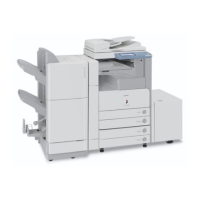
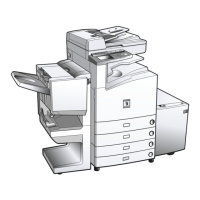
Finisher-AE1/Saddle Finisher-AE2/Puncher Unit-M1 (Optional)
2-43
2
Routine Maintenance
If necessary, remove all of the output paper in the Booklet Tray before replacing the staple cartridge in the saddle
stitcher unit.
This procedure is necessary only if the optional Saddle Finisher-AE2 is attached.
We recommend that you order staple cartridges from your local authorized Canon dealer before your stock runs
out.
1
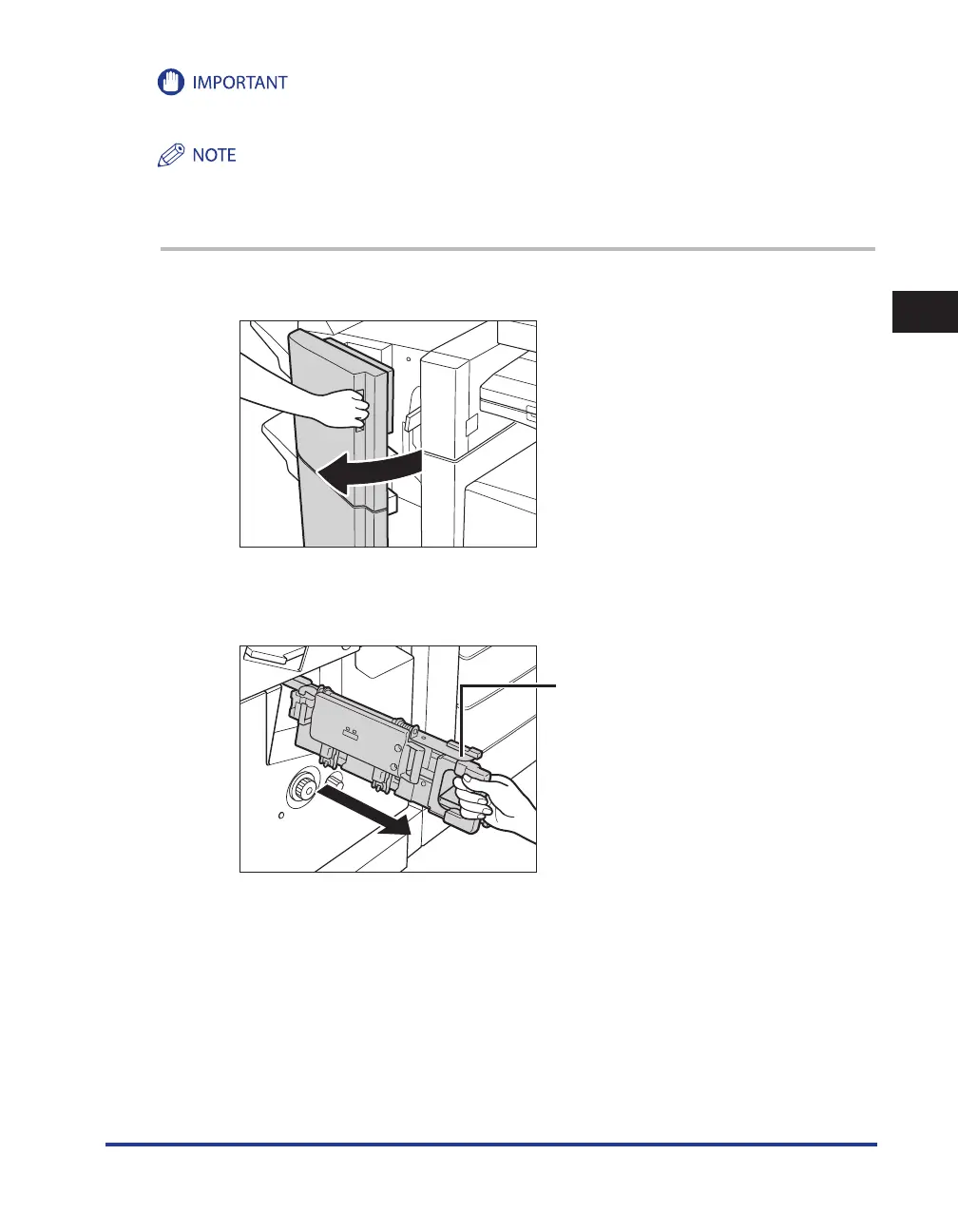
Open the front cover of the finisher.
2
Grip the saddle stitcher unit by its handle, and pull it out of the finisher
until it stops.
Saddle Stitcher Unit
•
•



 To Next Page