Routine Cleaning
2-55
2
Routine Maintenance
Platen Glass and Cover
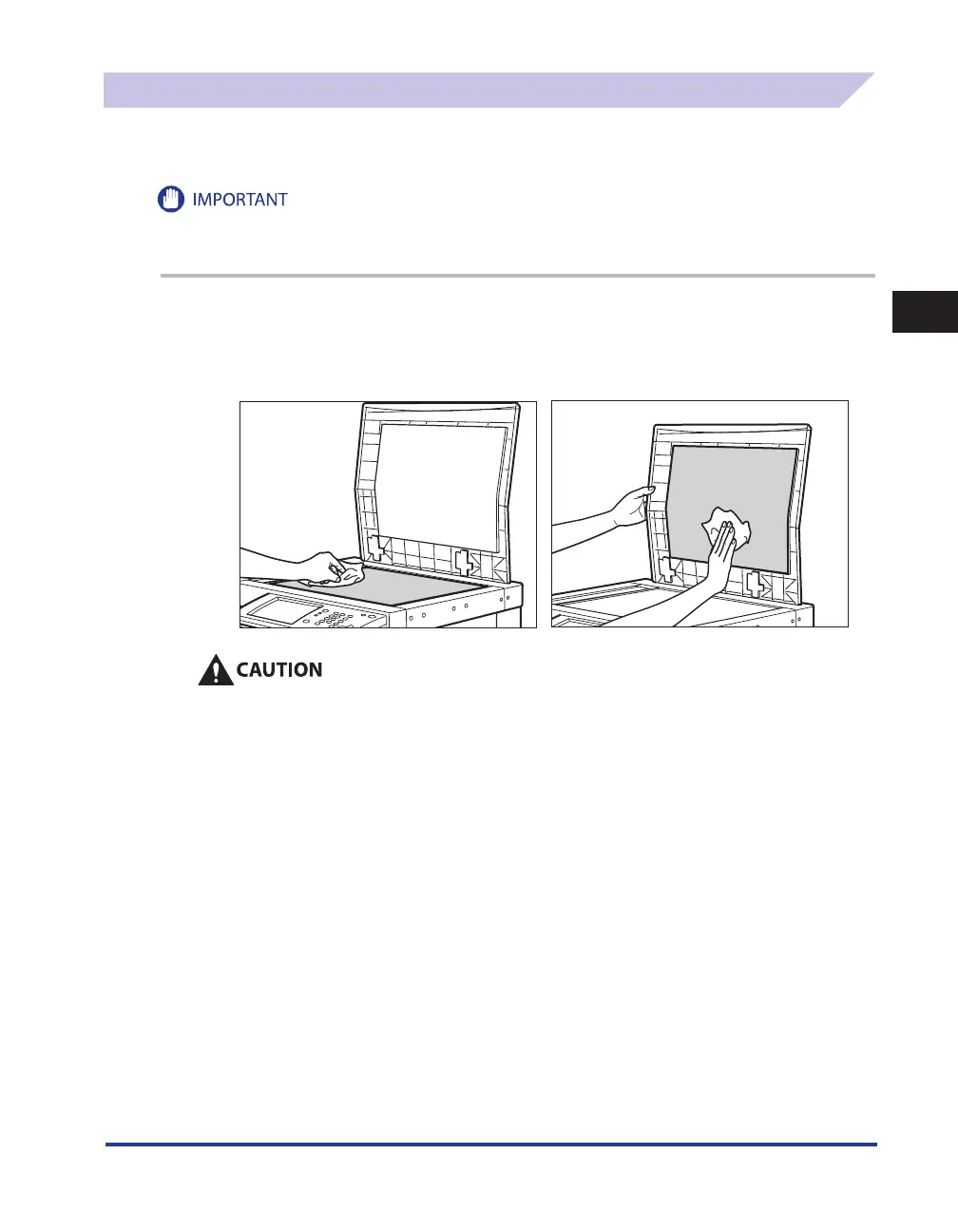
Clean the platen glass and the underside of the optional platen cover by following the procedure
below.
If the platen glass or the underside of the optional platen cover is dirty, the original may not be scanned clearly, or
the size of the original may be detected incorrectly.
1
Clean the platen glass and the underside of the optional platen cover with
a cloth dampened with water, and then wipe them clean with a soft, dry
cloth.
Do not dampen the cloth too much, as this may damage the original or break the machine.










 To Next Page