Service Call Message
3-107
3
Troubleshooting
Setting the Limited Functions Mode from the Service Call
Message Screen
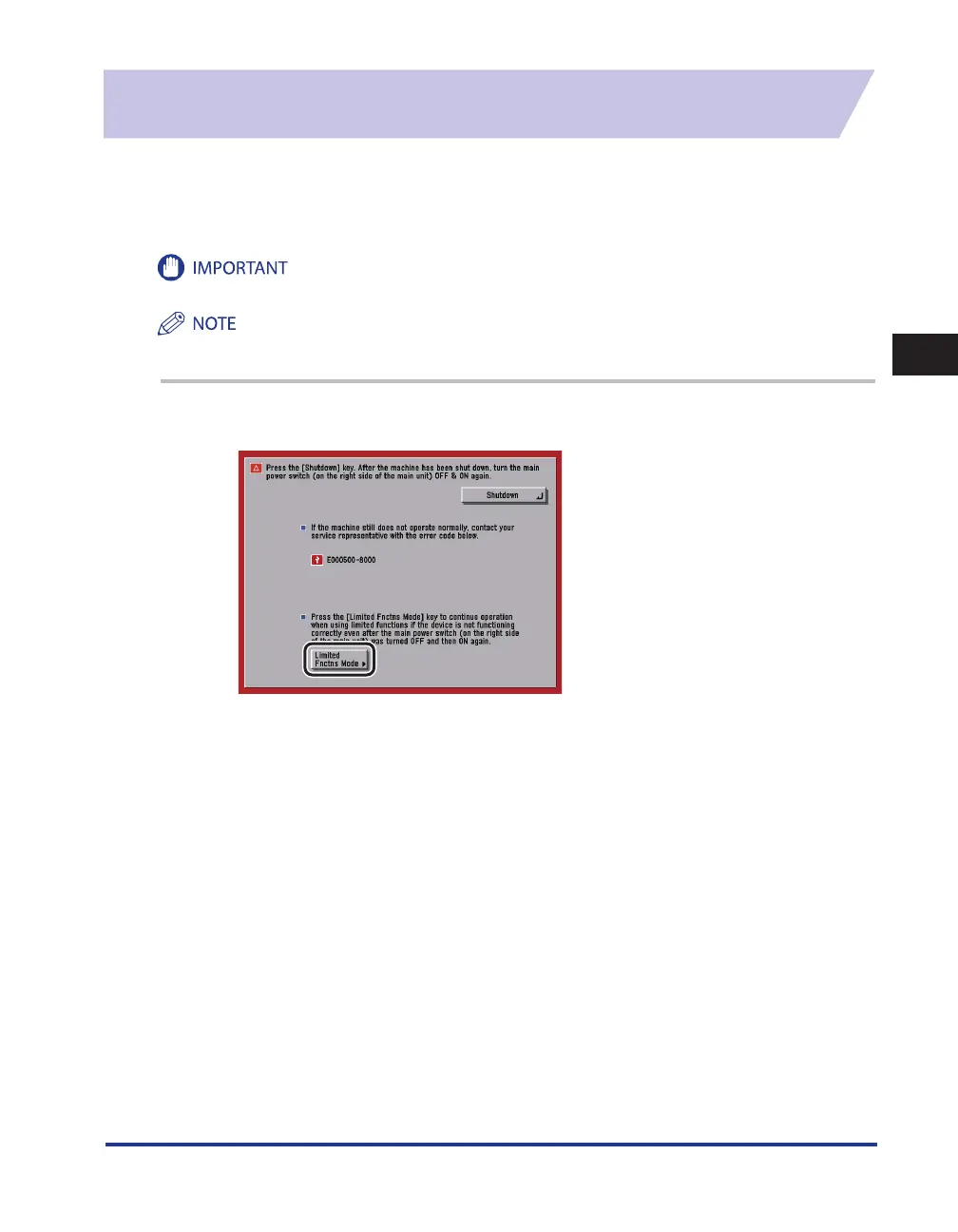
If the Service Call Message screen appears indicating a malfunction of a Finisher mode, you can clear
it by turning the Limited Functions Mode 'On' to temporarily limit the use of the finishing modes.
However, after the Limited Functions Mode is deactivated, the Service Call Message screen may
appear again, unless the cause of the malfunction is removed.
If you shutdown the machine when there is a job waiting to print, that job is erased.
If you set Limited Functions Mode to 'On' from the Service Call Message screen, Limited Functions Mode in Common
Settings (from the Additional Functions screen) is also set to 'On'. (See e-Manual > Additional Functions.)
1
Press [Limited Fnctns Mode].










 To Next Page