Envelope Feeder Attachment-C2 (Optional)
2-18
2
Routine Maintenance
If you use envelopes that have glue attached to their flaps, the glue may melt due to the heat and pressure
of the fixing unit.
Take particular care to spread the envelopes out in the direction that they will be fed.
Do not print on the back side of the envelopes (the side with the flap).
If the envelopes become filled with air, flatten them by hand before loading them into the envelope feeder
attachment.
Flap
Loading Envelopes
This section explains how to load envelopes into Paper Drawer 1.
1
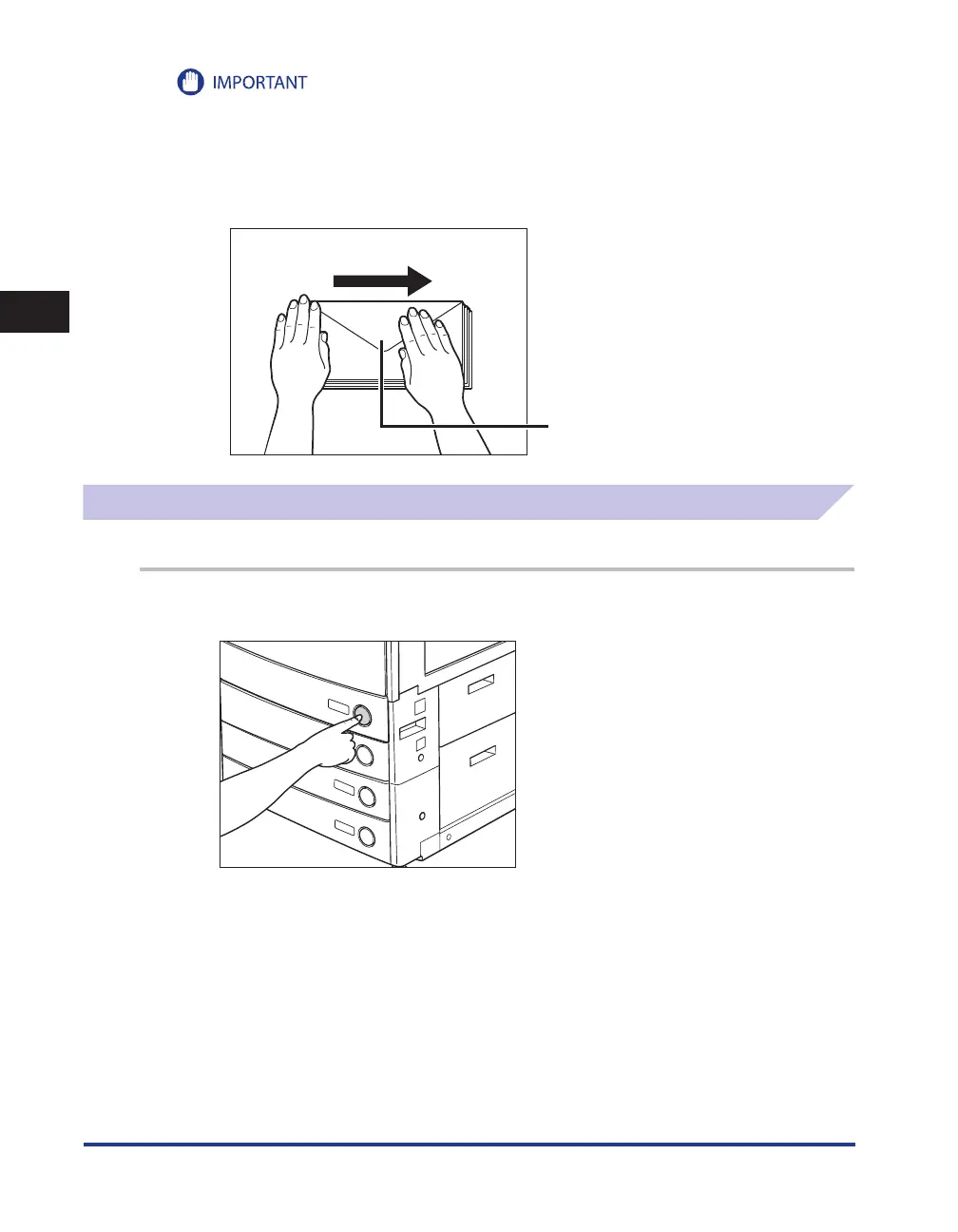
Press and release the button on Paper Drawer 1.
•
•
•
•










 To Next Page