Envelope Feeder Attachment-C2 (Optional)
2-19
2
Routine Maintenance
2
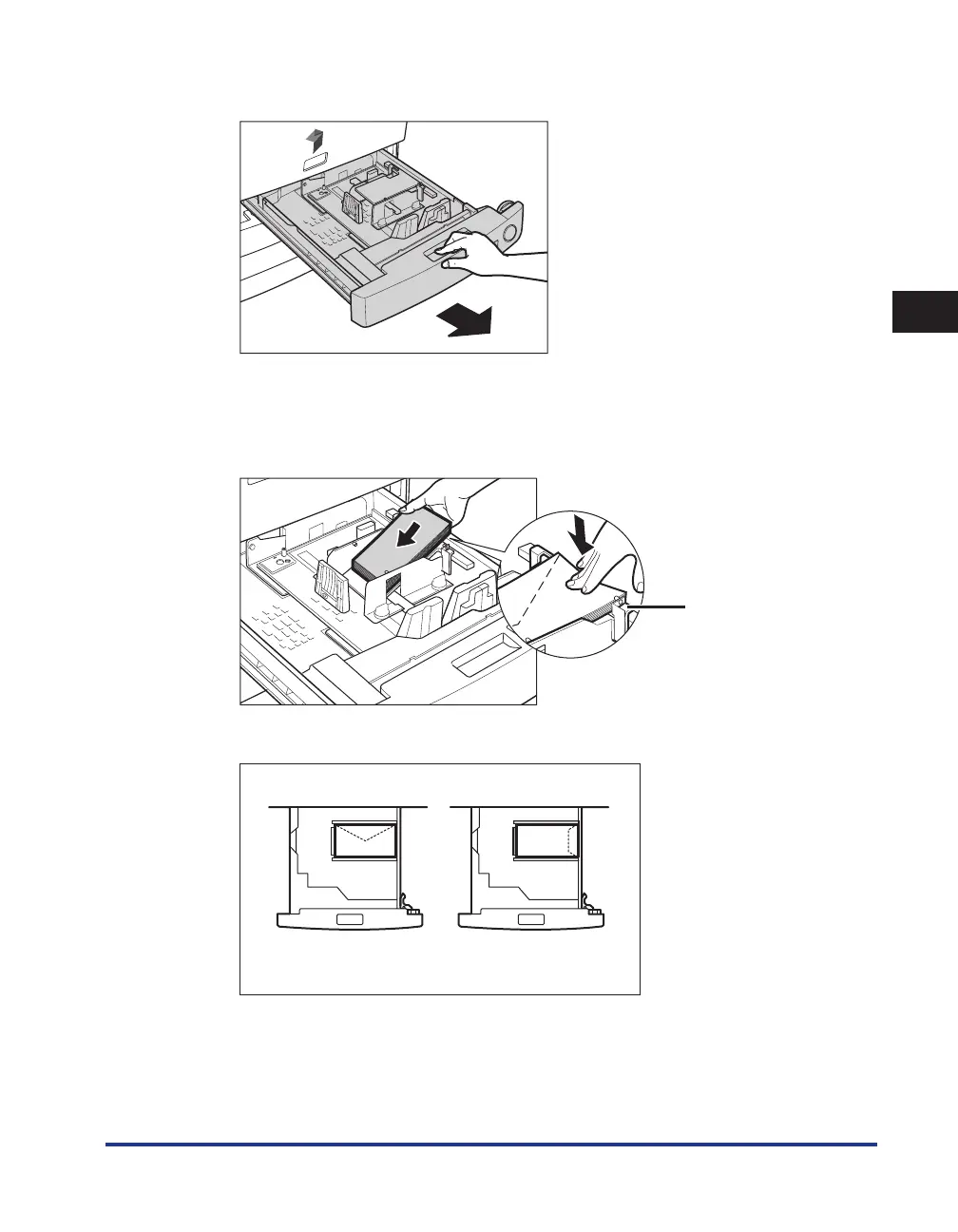
Grip the handle, and pull out the paper drawer until it stops.
3
Load 10 envelopes at a time with the side you want to print on face up.
While loading the envelopes, press down on the right side of the receptacle
to lock them into place.
Claw
Load the envelopes, as shown below.
Front










 To Next Page