Service Call Message
3-108
3
Troubleshooting
2
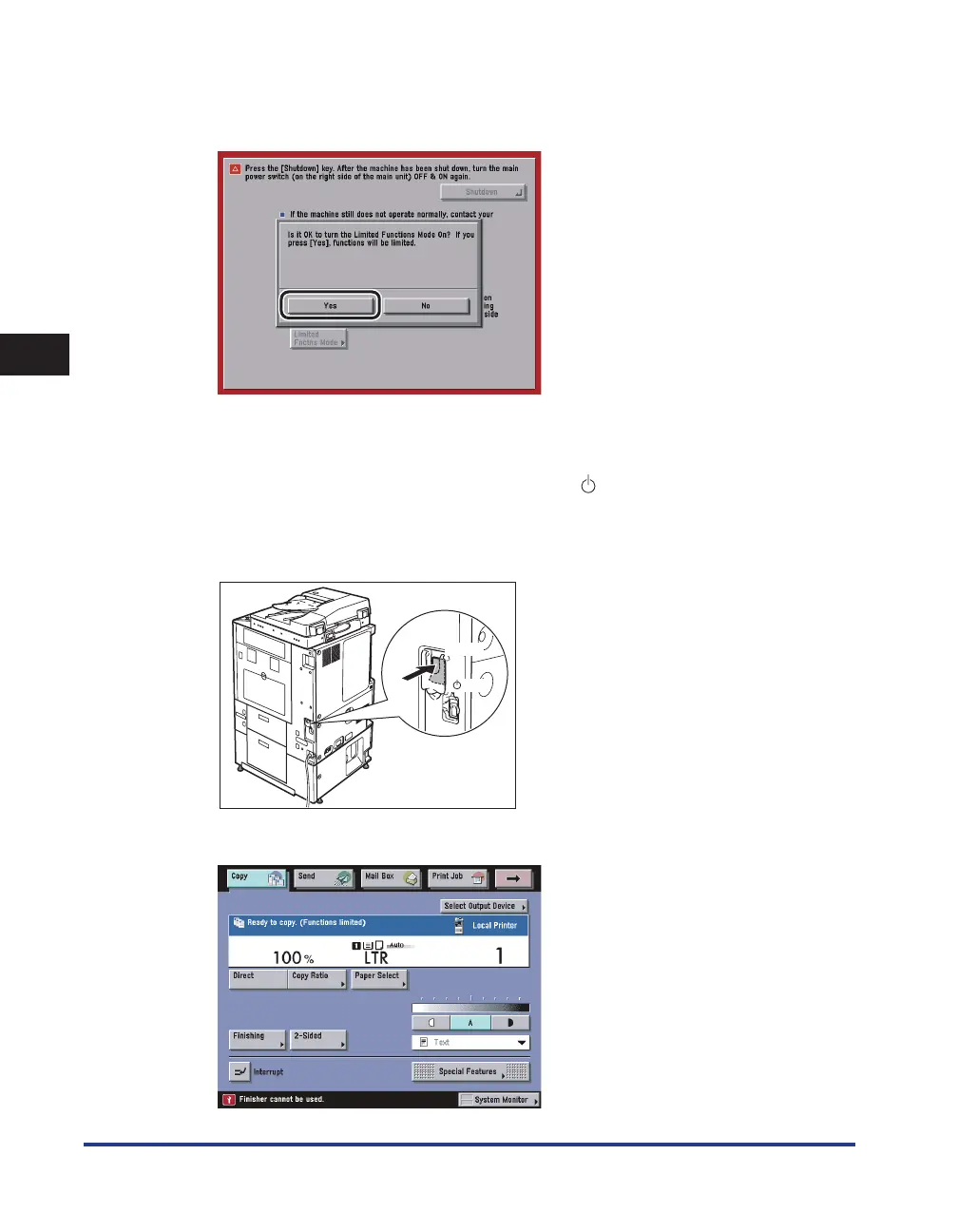
Press [Yes].
A message prompting you press [Shutdown] and to turn the main power switch back ON appears.
3
Press [Shutdown] to turn the main power switch OFF.
After the machine shuts down, the control power switch automatically turns OFF and the main
power switch of machine automatically switches to OFF (" " side).
4
Wait at least 10 seconds before turning the main power switch back to the
"I" side.
( I side)
( side)
The machine starts up in the Limited Functions mode.










 To Next Page