– 34 –
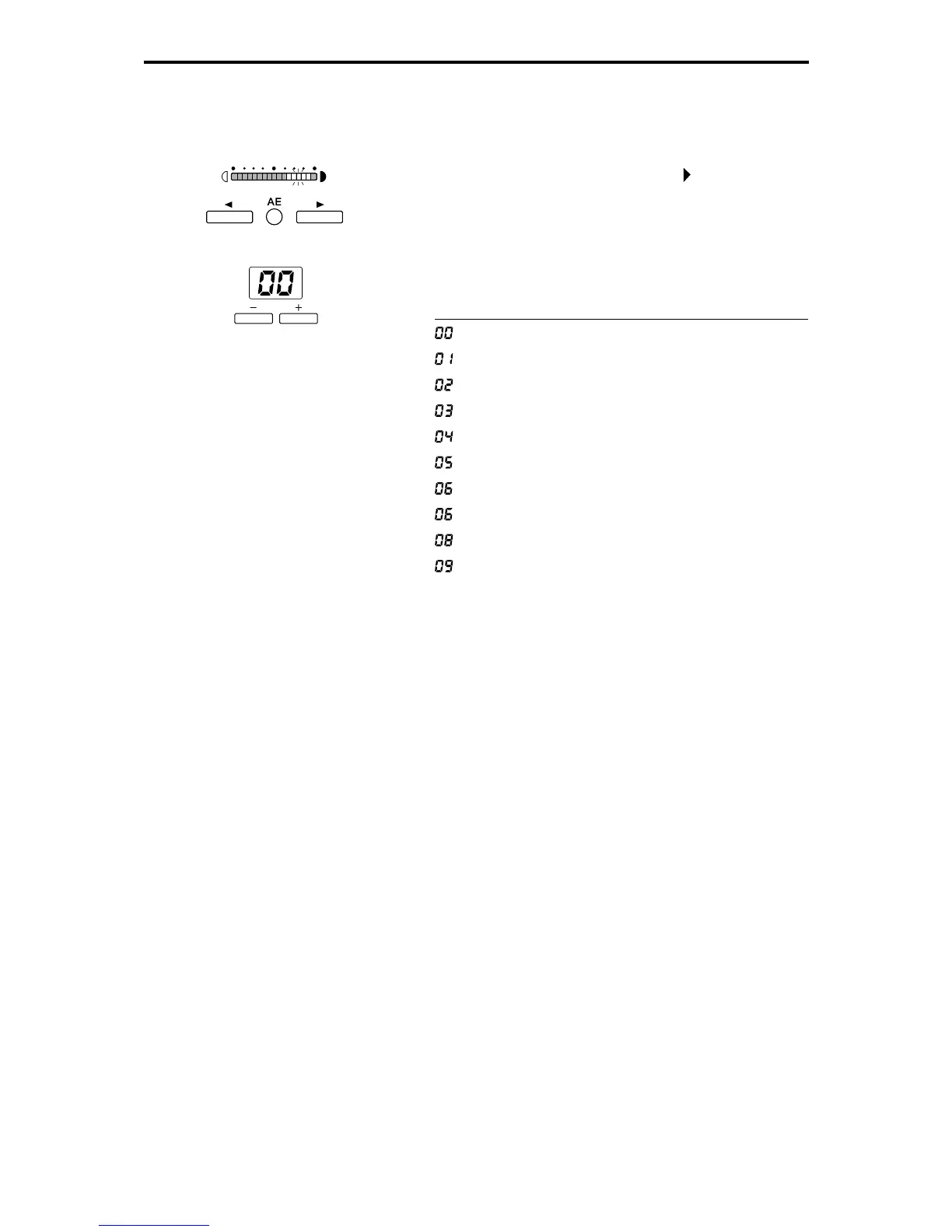
5 Press the Brightness adjustment key ( ) to switch to
“Date/time format” setting mode. The copies indicator
then becomes the date/time format indicator.
6 Use the plus (+) and minus (-) keys to set the date/time
format.
Display Date/time Format Add On Example
Year/Month/Day 2000/03/10
Year/Month/Day Hour:Minute 2000/03/10 11:30
Month/Day/Year 3/10/2000
Month/Day/Year Hour:Minute 3/10/2000 11:30
Day/Month/Year 10/3/2000
Day/Month/Year Hour:Minute 10/3/2000 11:30
Year Month Day Mar 10 2000
Year Month Day Hour:Minute Mar 10 2000 11:30
Day of the week Month Day Year Fri Mar 10 2000
Day of the week Fri Mar 10 2000 11:30
Month Day Year Hour:Minute
7 When you have finished the settings, press the function
key to which the Add on function is assigned to com-
plete the setting procedure.







 To Next Page