– 38 –
Setting the Auto Clear Time
The function specifies the time after which the scanner
switches to Standby mode when it is left unused.
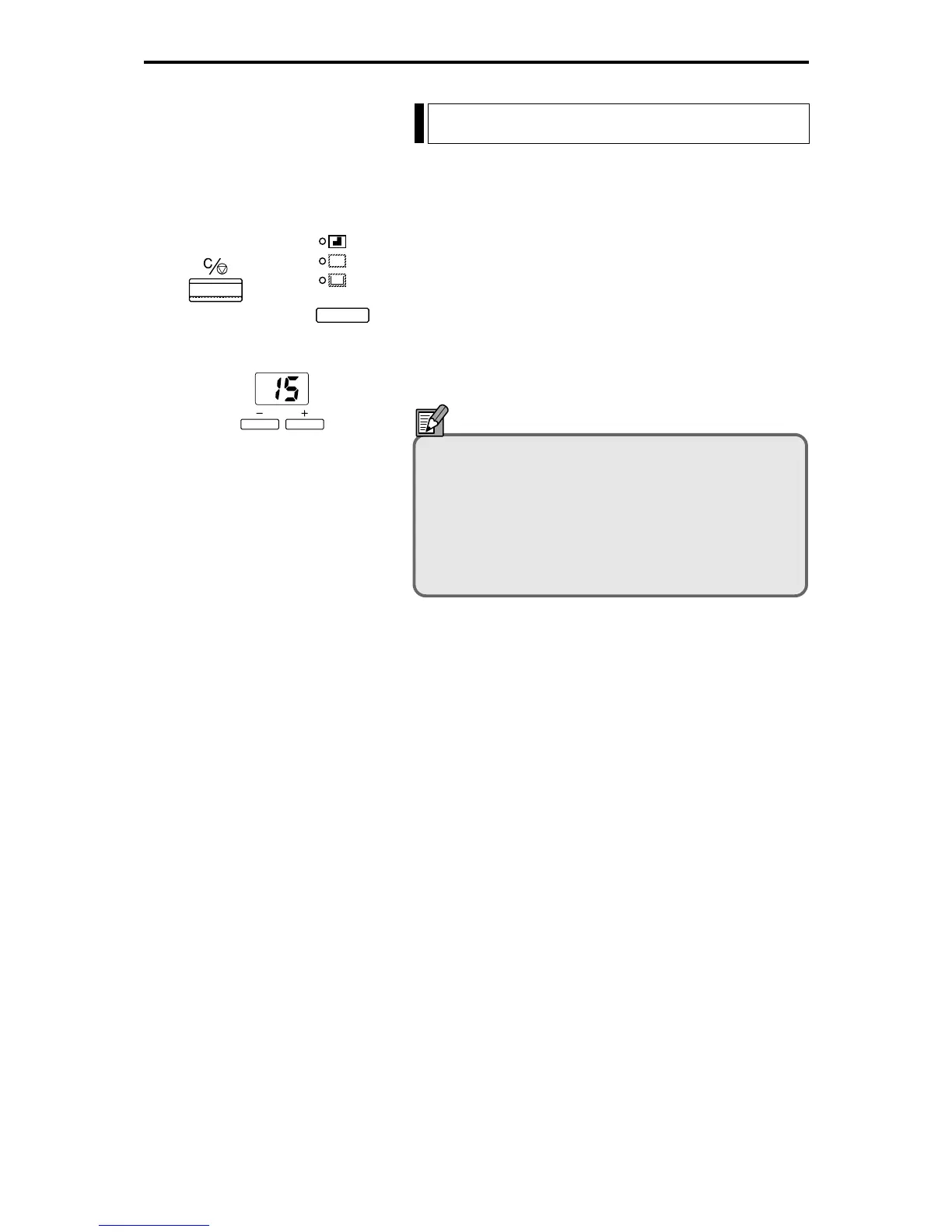
1 Hold down the Clear key and the Trimming/Border key
for 2 seconds.
2 Use the plus (+) and minus (-) keys to select the Auto
Clear time.
3 Press the Start key to confirm the setting.
NOTE
The available settings for the Auto Clear time are 0,
3, 15, 30, 60, or 90 minutes. Selecting 0 disables the
Auto Clear function. The available settings for the
Auto Clear time are 0, 3, 15, 30, 60, or 90 minutes.
Selecting 0 disables the Auto Clear function. To
cancel Standby mode, press the key again or press
any other key.
+






 To Next Page