– 41 –
Routine Cleaning
Use the routine cleaning procedures described below to
keep the scanner components clean and ensure optimum
performance.
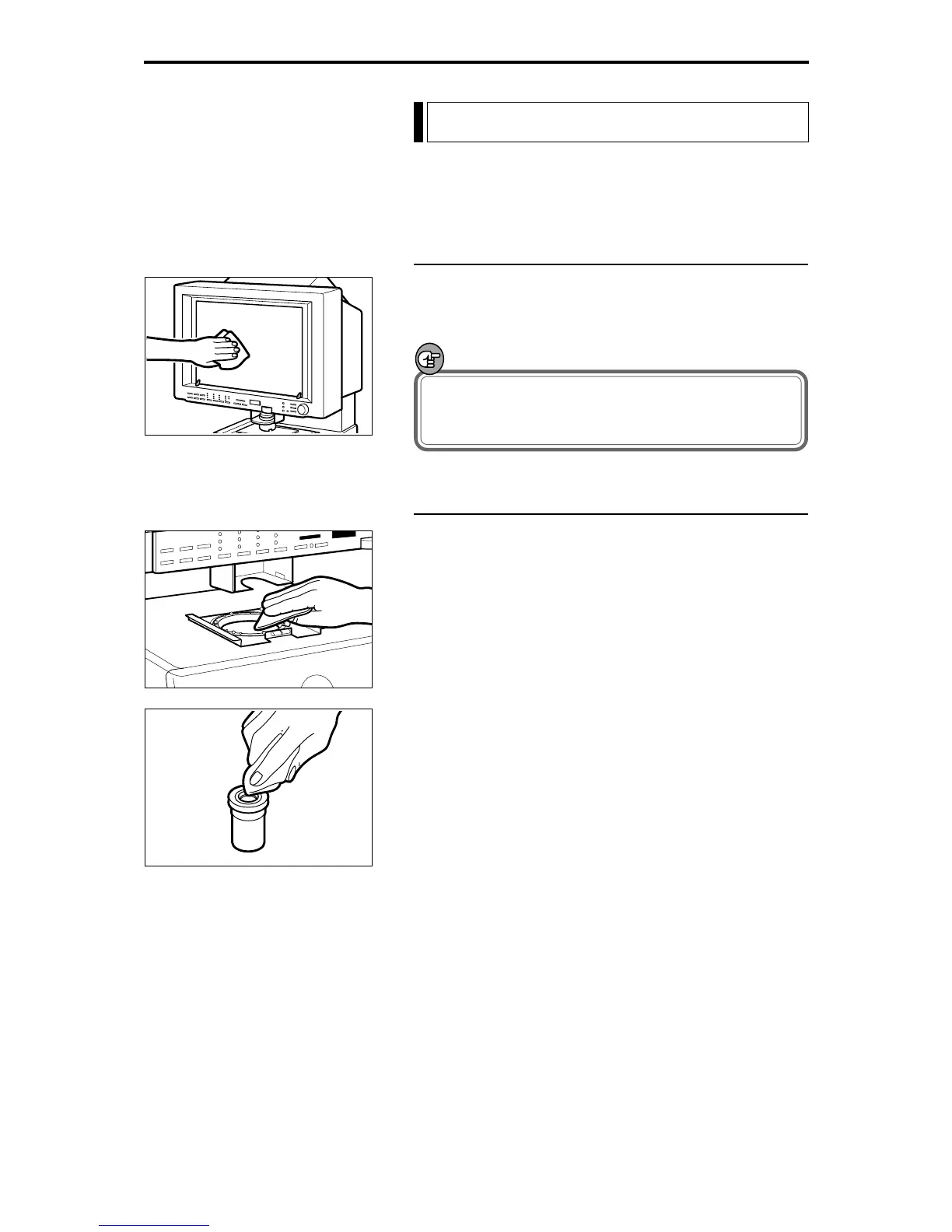
Cleaning the Screen and Main Unit
Use a cloth slightly dampened with water or mild detergent
to clean any soiling off the scanner screen and casing. Then
wipe the scanner with a clean dry cloth.
IMPORTANT
To avoid damaging the casing of the main unit, never
clean the unit with an organic solvent such as
thinners.
Cleaning the Lens
1 Switch off the scanner and remove the carrier and lens
unit.
2 Gently wipe off the field lens with a clean soft cloth.
3 Carefully remove the lens from the lens unit and wipe
the upper and lower surfaces of the lens with a clean dry
cloth.
Maintenance and Troubleshooting




 To Next Page