When you are ready to load envelopes, follow these steps:
1. Make sure the printer is turned on and on-line.
2. Turn on the envelope mode by pressing and holding the LF/FF
button, and then pressing the ON LINE button. The beeper
sounds once and the indicator light for the current print mode
blinks quickly. Press ON LINE to set the printer back on-line.
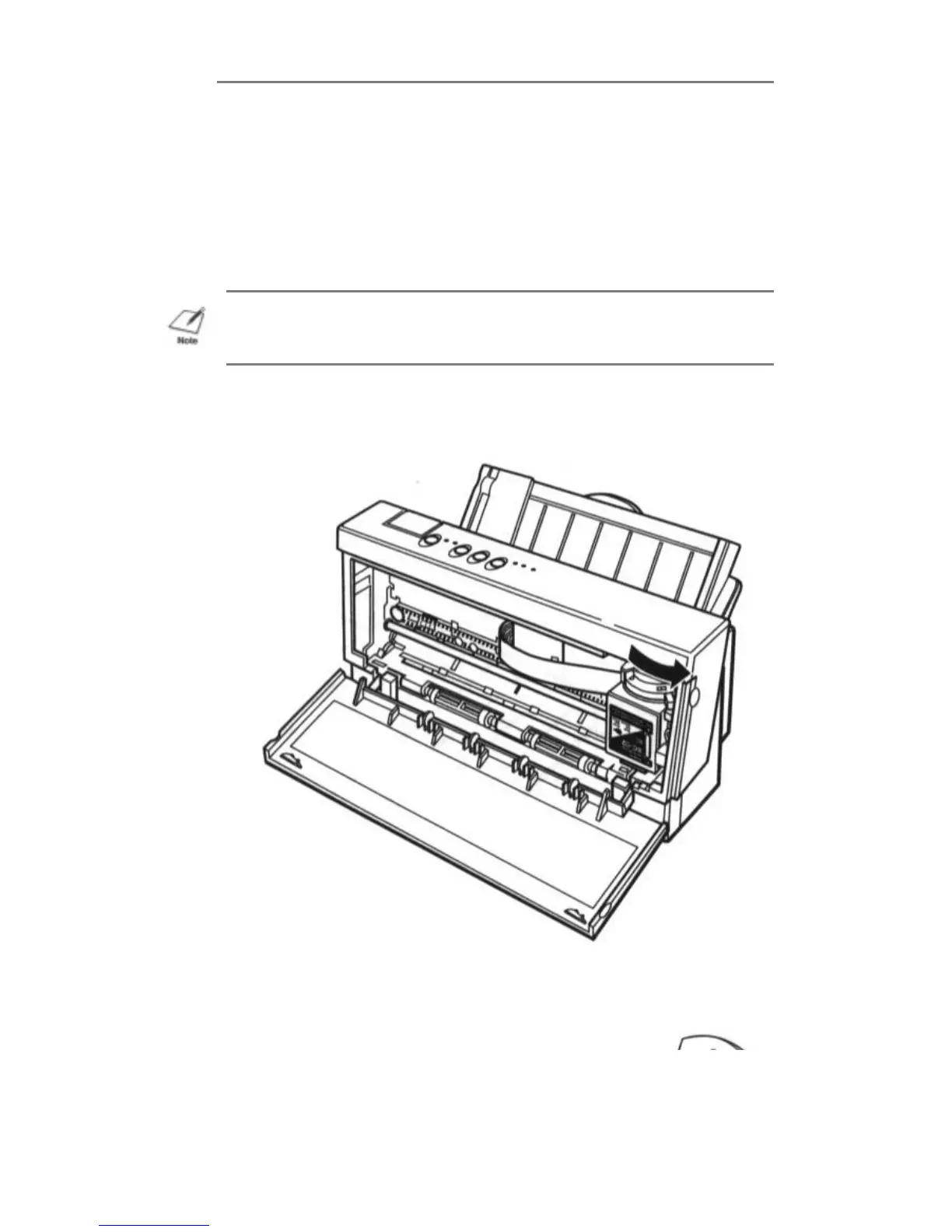
3. Set the green paper thickness lever on the inside of the printer to
the right. Then close the front cover.
4. Set the paper selection lever to the forward position, and move
the paper guide to the left to match the width of the envelopes.
NOTE: Selecting envelope mode cancels reduction mode (if set).


 To Next Page