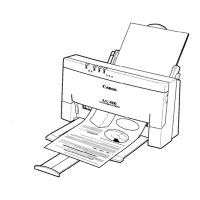
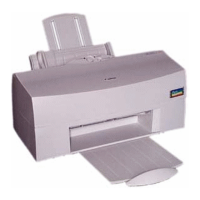
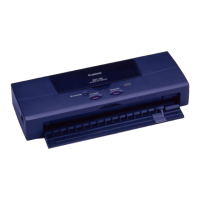
Be very careful when cleaning the printer. Follow these steps:
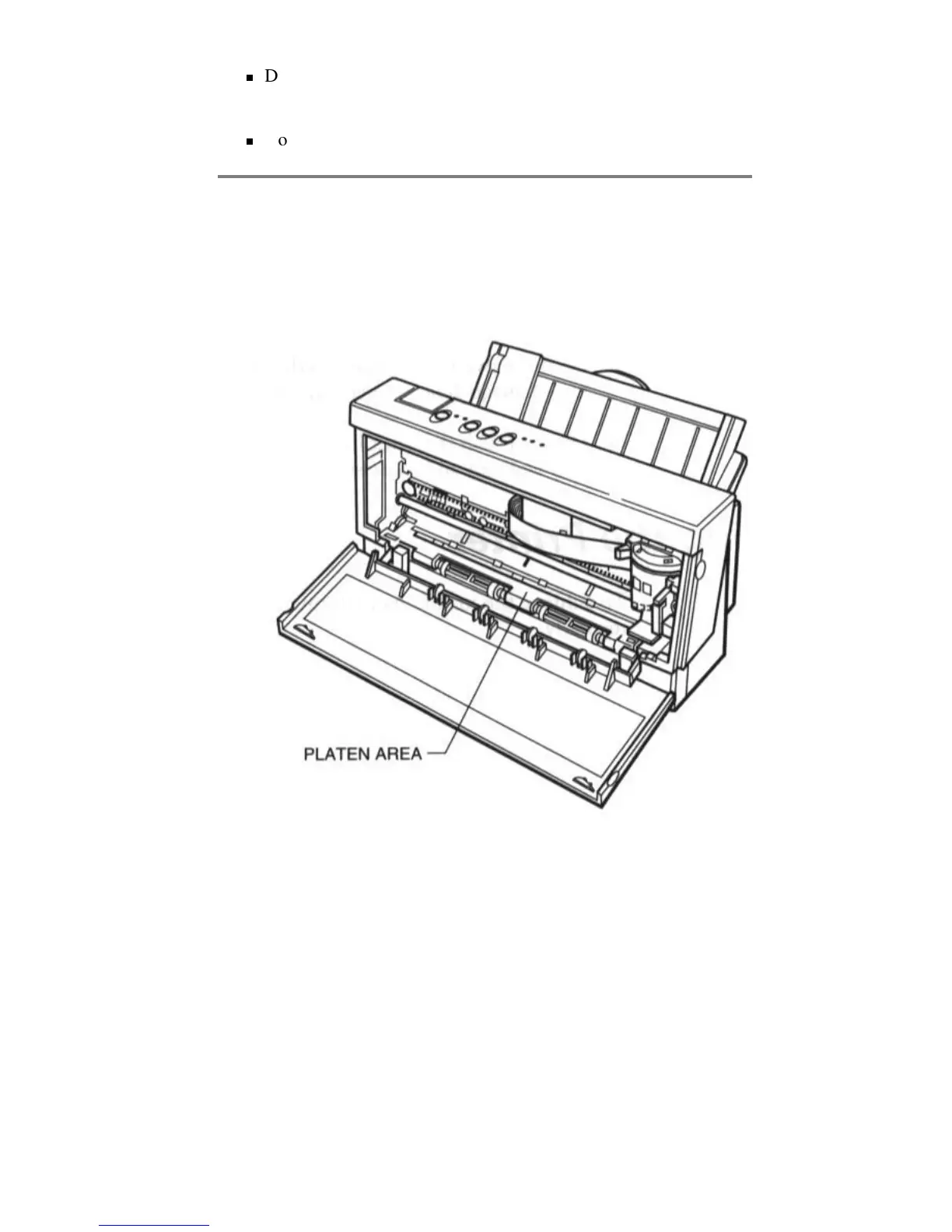
1. Clean the inside of the printer using compressed air pressure or a
soft cloth to remove any ink mist or paper debris. Clean especially
well around the platen area.
2. Clean the exterior of the printer with a soft cloth moistened with
water. Clean any smudges or dust.
Replacing the Ink Cartridge
You use the BC-02 ink cartridge with this printer. Each ink cartridge
can print about 200 to 500 letter-size pages (700,000 characters) in HQ
mode and 800 to 1000 pages (1,400,000 characters) in HS mode. The
actual amount varies according to the print density of a page. If you
print a lot of graphics, you may to need to change cartridges more often.
You may need to replace the ink cartridge when the following condition
exist:
Do not clean the exterior of the printer with volatile liquids, such
as thinners or benzine, or any other spray spray-type or chemical
cleaners. Chemicals may damage the surface of the printer.
Do not submerge the printer in water.


 To Next Page