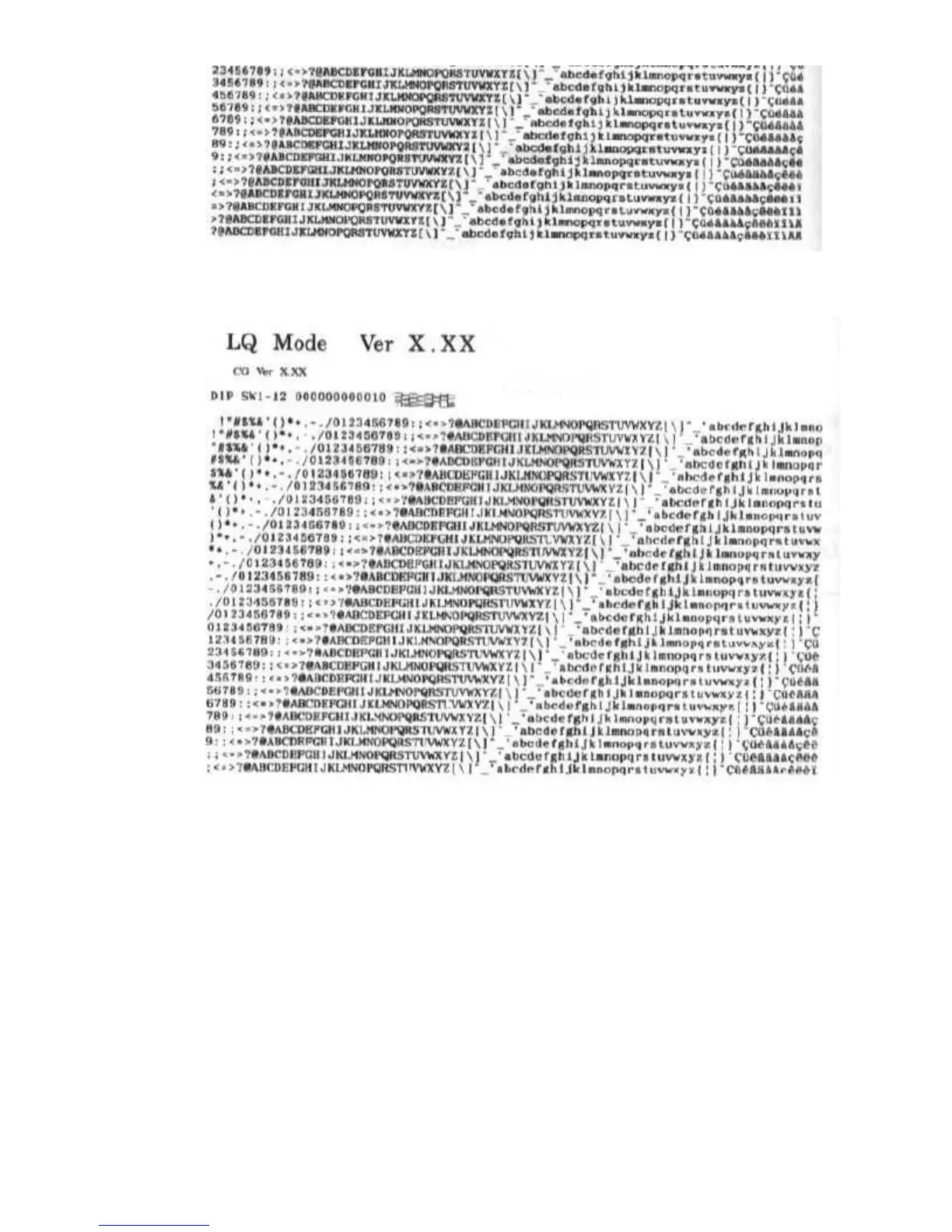
In Epson LQ mode, the self test looks like this:
Font List
You can print this sample in both printer control modes: BJ-10 mode or
Epson LQ mode. The printer prints all characters in the available print
styles and pitches.
Starting
To start the font list, follow these steps:
1. Press the POWER button to turn off the printer.
2. Press and hold the ON LINE button, and press the POWER
button until the beeper sounds once. The printer starts to print the
font list.
Stoppin


 To Next Page