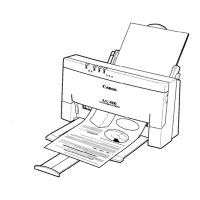
To stop printing the font list, press and hold the ON LINE button for
one second. The printer stops printing, ejects the current sheet of paper,
and goes back on-line.
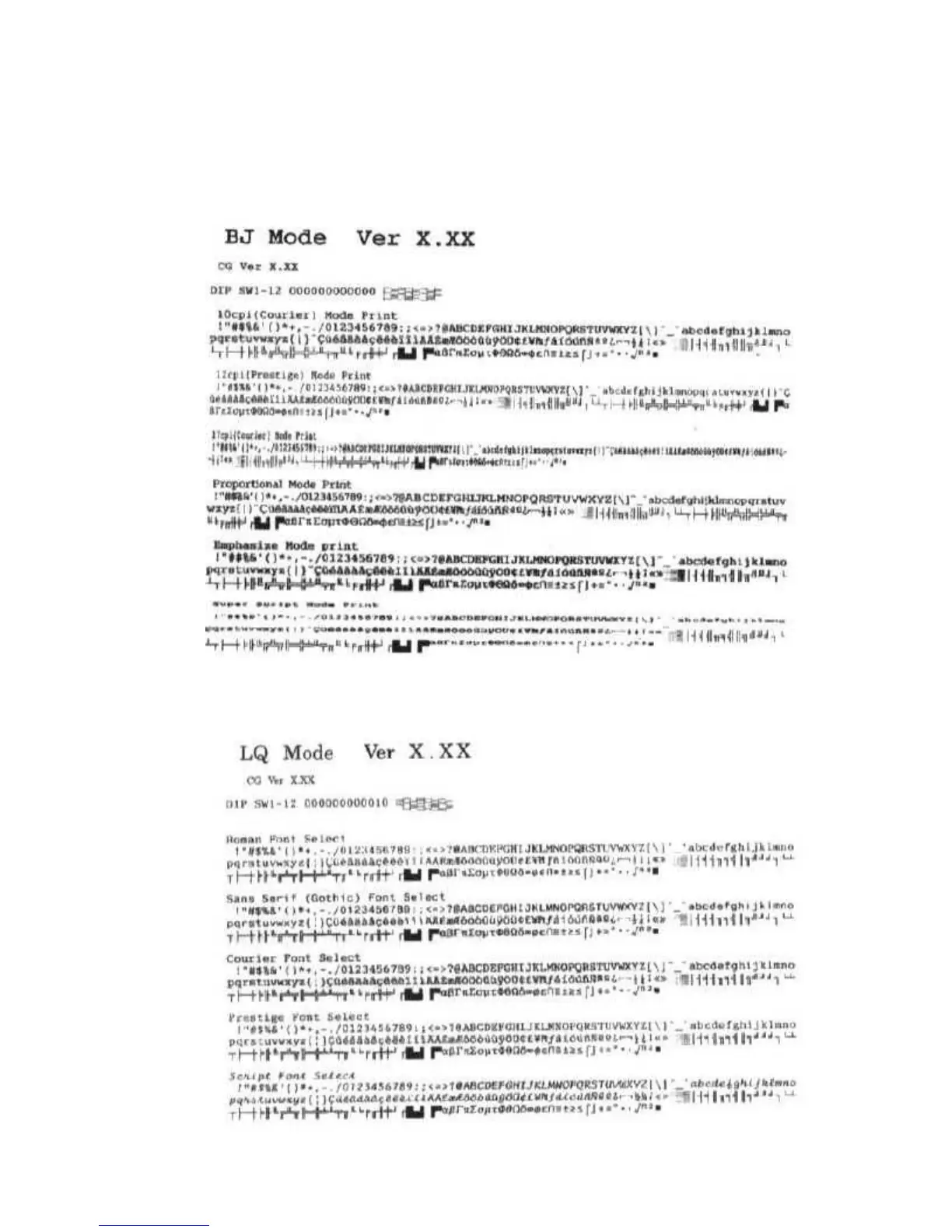
In BJ-10 mode, the font list looks like this:
In Epson LQ mode, the pattern looks like this:


 To Next Page