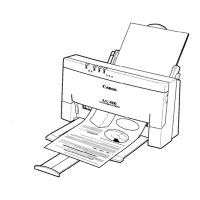
Envelopes Do Not Load
1. Set the paper selection lever to the front position.
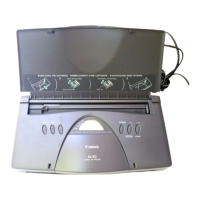
2. Make sure the envelope is loaded properly:
The flap is toward the sheet feeder.
The right side of the envelope is aligned against the right side of
the sheet feeder.
The left side is aligned against the paper guide.
3. For manual loading, insert the envelope all the way into the sheet
feeder.


 To Next Page