Chapter 4
Using the Operator Panel
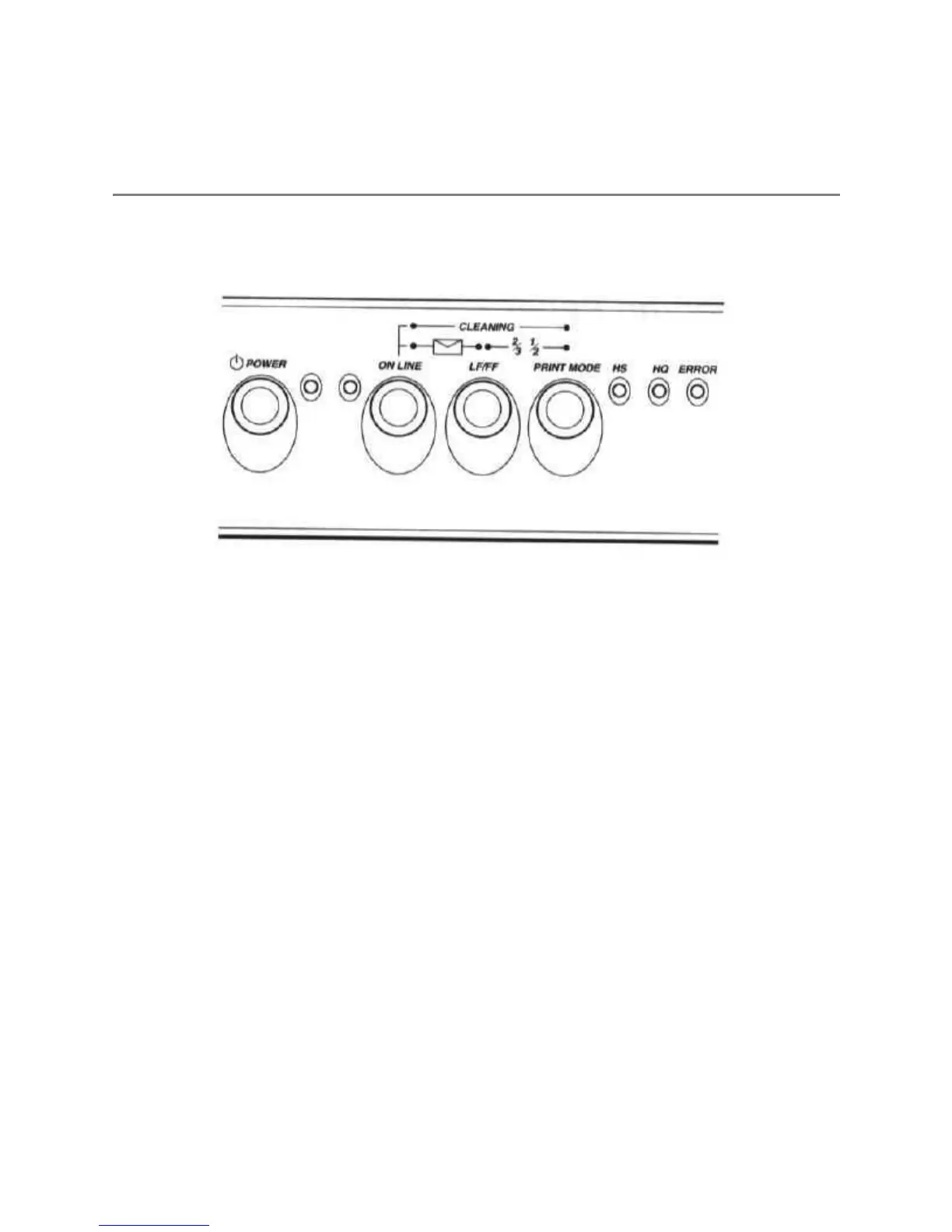
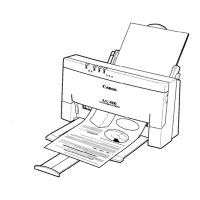
You can control basic printer operations through the operator panel.
The indicator lights reflect the current status and modes of the printer.
Most software applications, such as word processing programs,
spreadsheets, and databases, automatically handle the printer control
operations. For example, your word processing program tells the printer
what typeface to use and when to perform a line feed or form feed.
If, for some reason, your application program does not perform these
basic functions, you can control them using the operator panel. You can
also select printer-specific functions, such as the print mode, and you
can print the self tests.
The following sections of this chapter describe how you use these
buttons to select printer functions.
Turning On the Printer
Press the
POWER
button to turn on the printer. The POWER light will
come on. When the printer is ready to print, the ON LINE light will
come on.
Pausing a Print Operation
When the ON LINE light is on, the printer is on-line and ready to


 To Next Page