Chapter 2
Setting Up the Printer
This chapter describes the steps you follow to unpack and set up your
printer. It offers guidelines for finding a suitable location for the printer,
explains how to install the ink cartridge, and describes how to connect
the power cord and the interface cable.
If you have already set up your printer using the Quick Start Guide, you
may want to scan this chapter for the additional information it supplies.
Unpacking the Printer
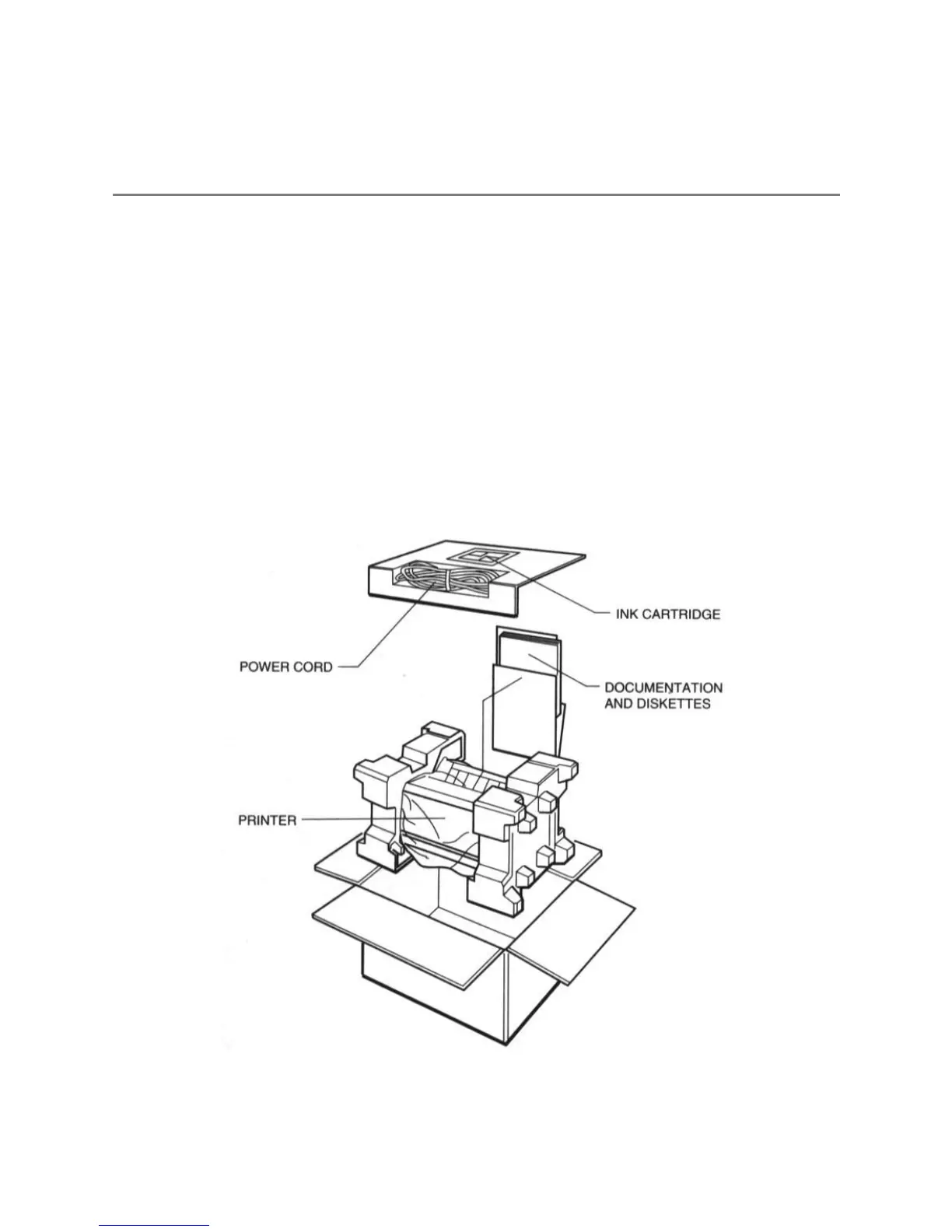
Carefully remove all items from the box.
In addition to this User's Manual, you will find these items in the box:


 To Next Page