About This Driver
This driver enables you to display the print settings screen of drivers that support Windows Store apps and
desktop apps, and use the print functions of Canon devices.
In this manual, Windows Store apps and Windows apps are referred to as store apps.
Printing from a Desktop App
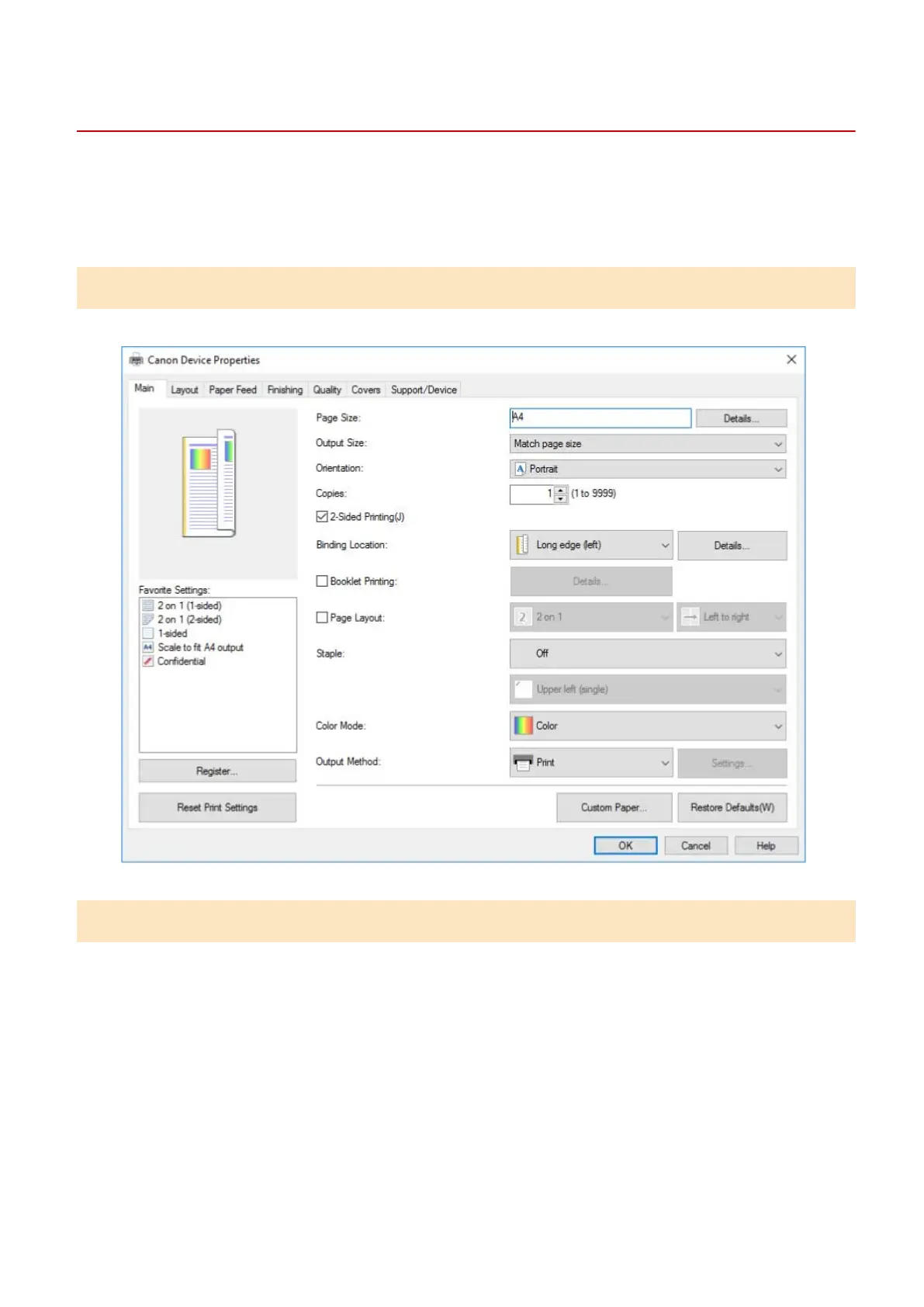
The following print settings screen is displayed when you print from desktop apps.
Printing from a Store App
The following print settings screen is displayed when you print from store apps.
The functions required to print from store apps are automatically installed from the Windows Store after the
driver is installed.
About This Driver
9



 To Next Page