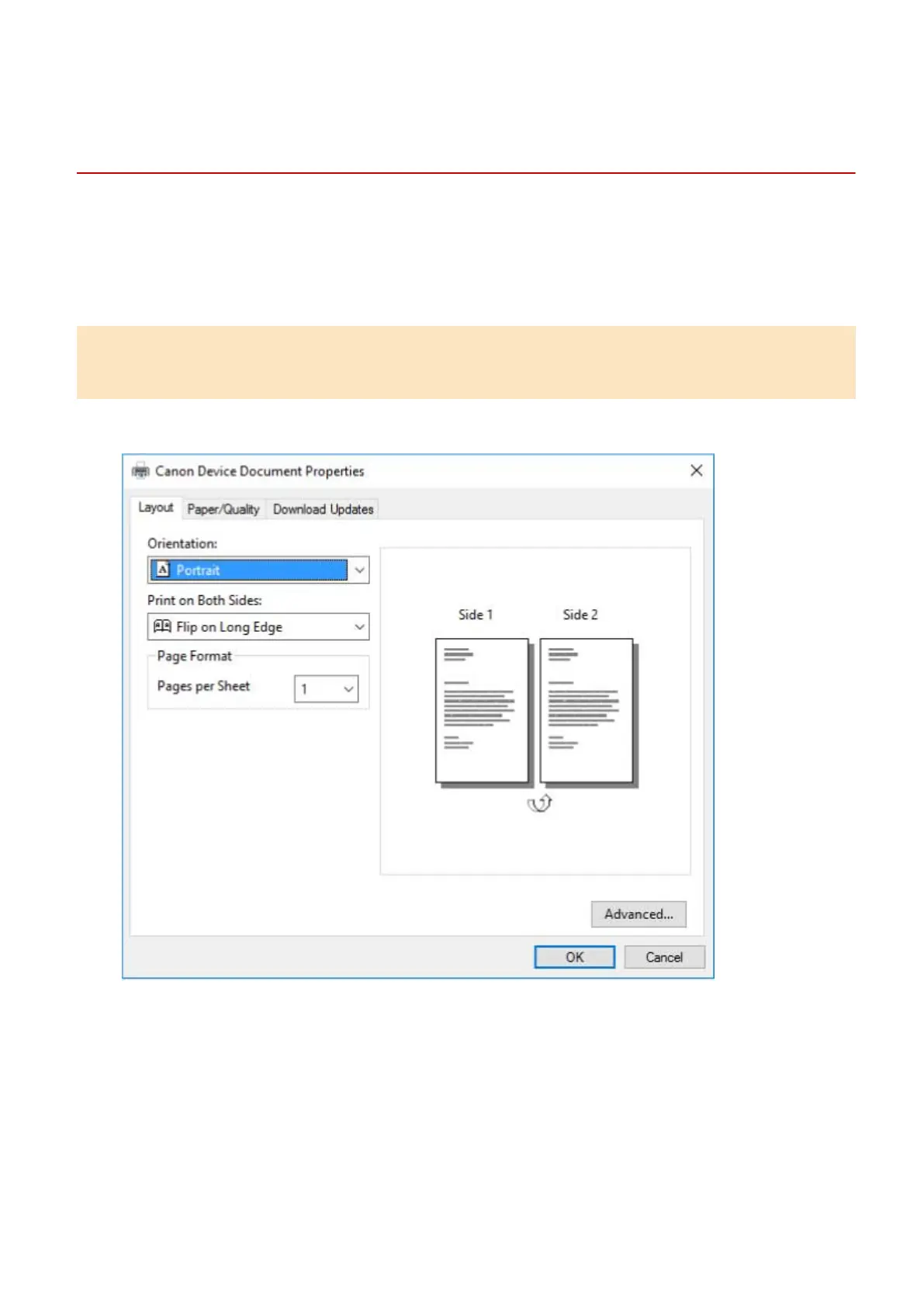
The Windows standard print settings screen is
displayed
Even after you install the driver, the print settings screen of the driver may not be displayed and the Windows
standard print settings screen displayed instead. If this happens, a number of causes are possible.
Display the print settings screen of the driver by referring to the "Cause" and "Remedy" that explains each
Windows standard print settings screen displayed.
If displayed from the icon of the device in [Devices and Printers] or a desktop
app
The following screen is displayed from the icon of the device in [Devices and Printers] or when printing with a
desktop app.
Cause 1.
The driver has not been correctly installed in the client in a shared printer environment.
Remedy
Refer to the procedure for setting a computer as a shared printer client and install the driver.
Troubleshooting
139



 To Next Page