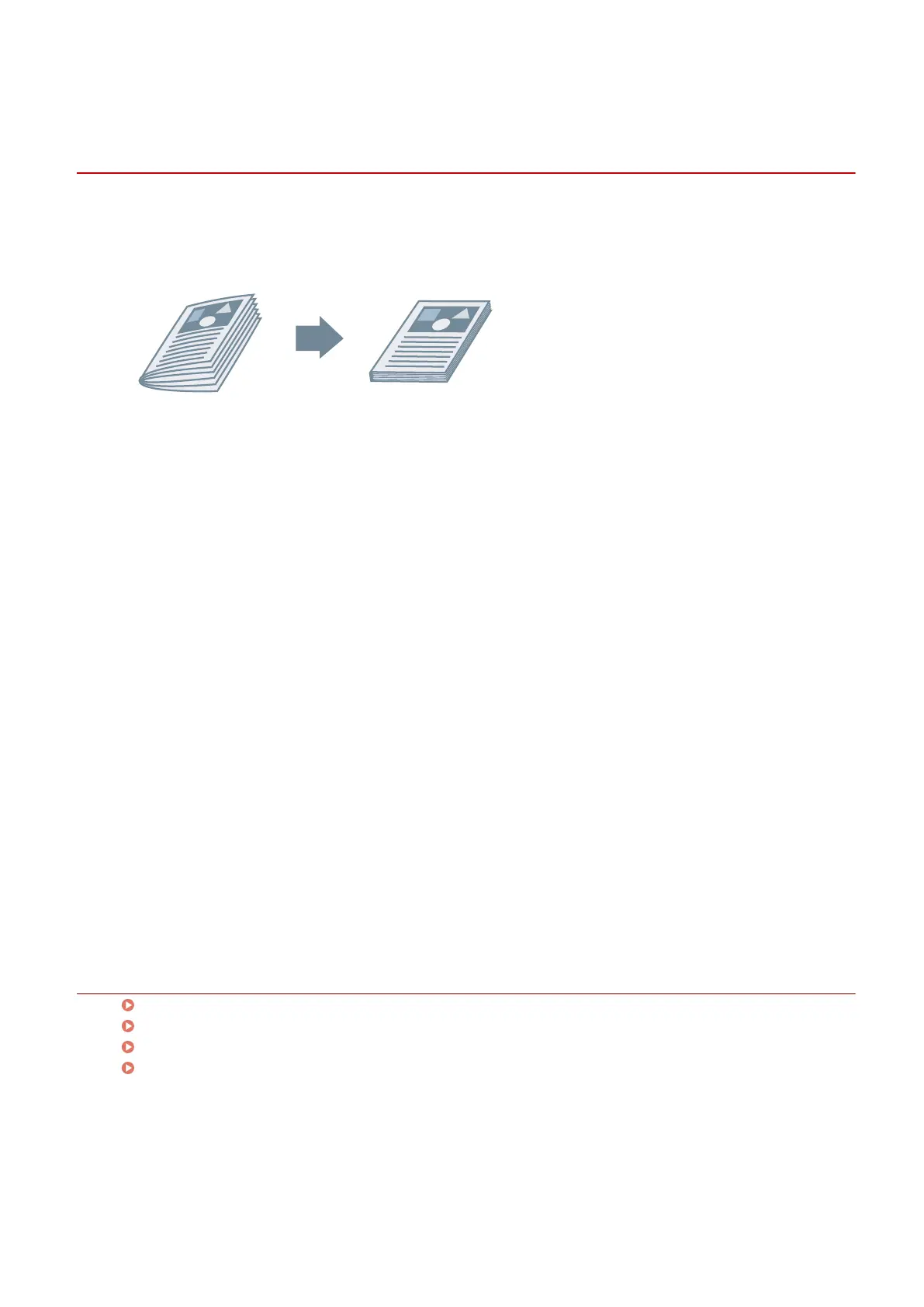
Saddle Press Processing When Creating Saddle Stitched
Booklets
When performing saddle stitched booklet printing, you can press the bound portion so that it is attened.
1
Display the [Main] sheet.
2
Select [Booklet Printing].
You can also set [Booklet Printing] in the [Layout] sheet.
3
Select [On] from [Staple] → select [Saddle stitch] as the stapling position.
You can also set [Staple] in the [Finishing] sheet.
4
Click [Booklet Printing] > [Details].
5
In the [Booklet Settings] dialog box, select [Saddle Press] → specify the force of saddle
press processing in [Saddle Press Adjustment].
6
Click [OK].
Related Topics
[Main] Sheet(P. 115)
[Layout] Sheet(P. 118)
[Finishing] Sheet(P. 124)
Saddle Stitched Booklet Printing(P. 88)
Creating a Booklet
89



 To Next Page