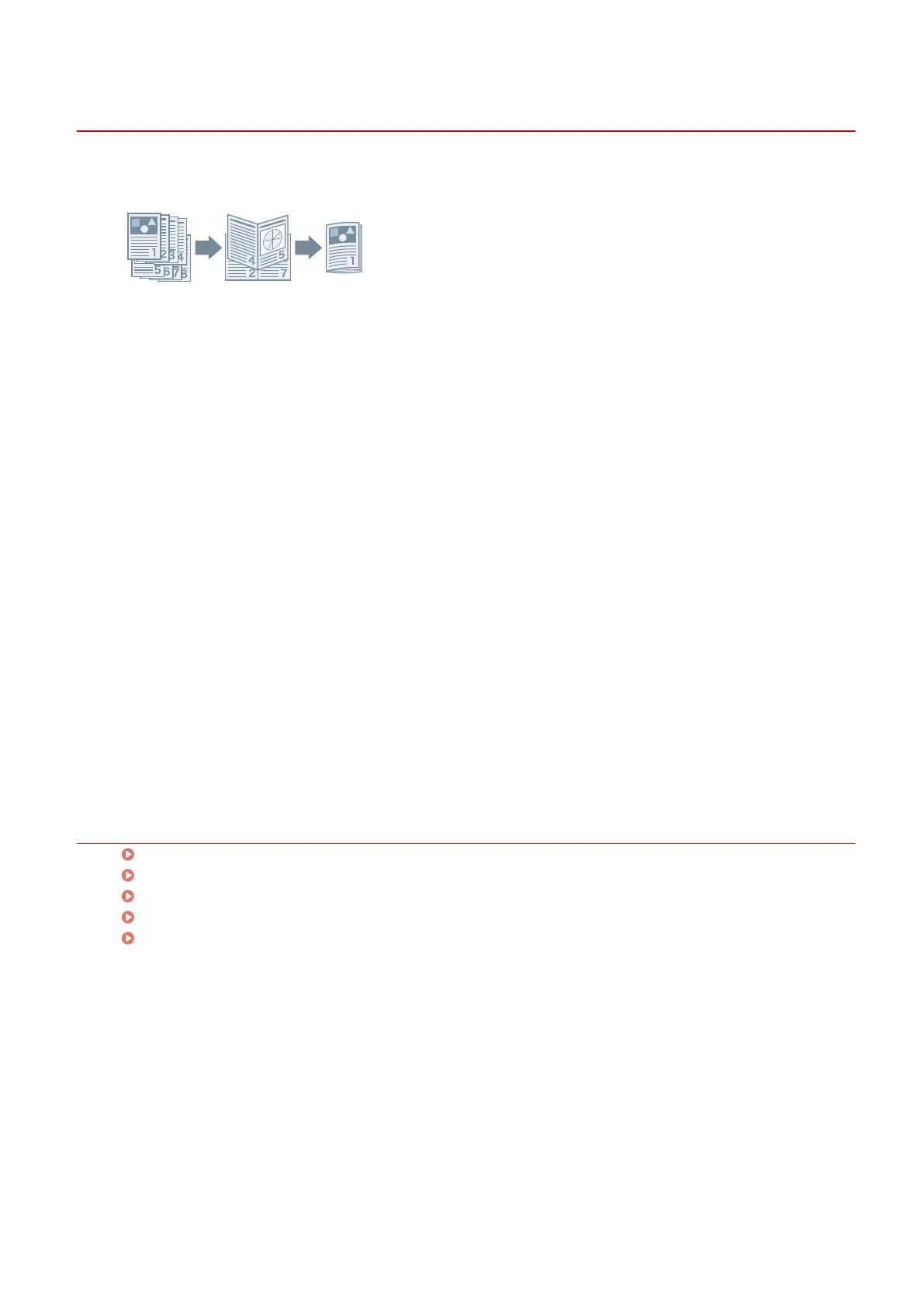
Booklet Printing
You can print with the pages automatically arranged so they create a booklet when folded in half.
1
Display the [Main] or [Layout] sheet.
2
Select [Booklet Printing].
To set the binding position and gutter, follow the procedures below.
3
Click [Details].
4
In the [Booklet Settings] dialog box, select the binding direction when performing
booklet printing from [Binding].
5
Specify the width in [Gutter Width].
6
Click [OK].
Related Topics
[Main] Sheet(P. 115)
[Layout] Sheet(P. 118)
Creating a Booklet in Sets(P. 86)
Correcting Displacement During Booklet Printing(P. 87)
Saddle Stitched Booklet Printing(P. 88)
Creating a Booklet
85



 To Next Page