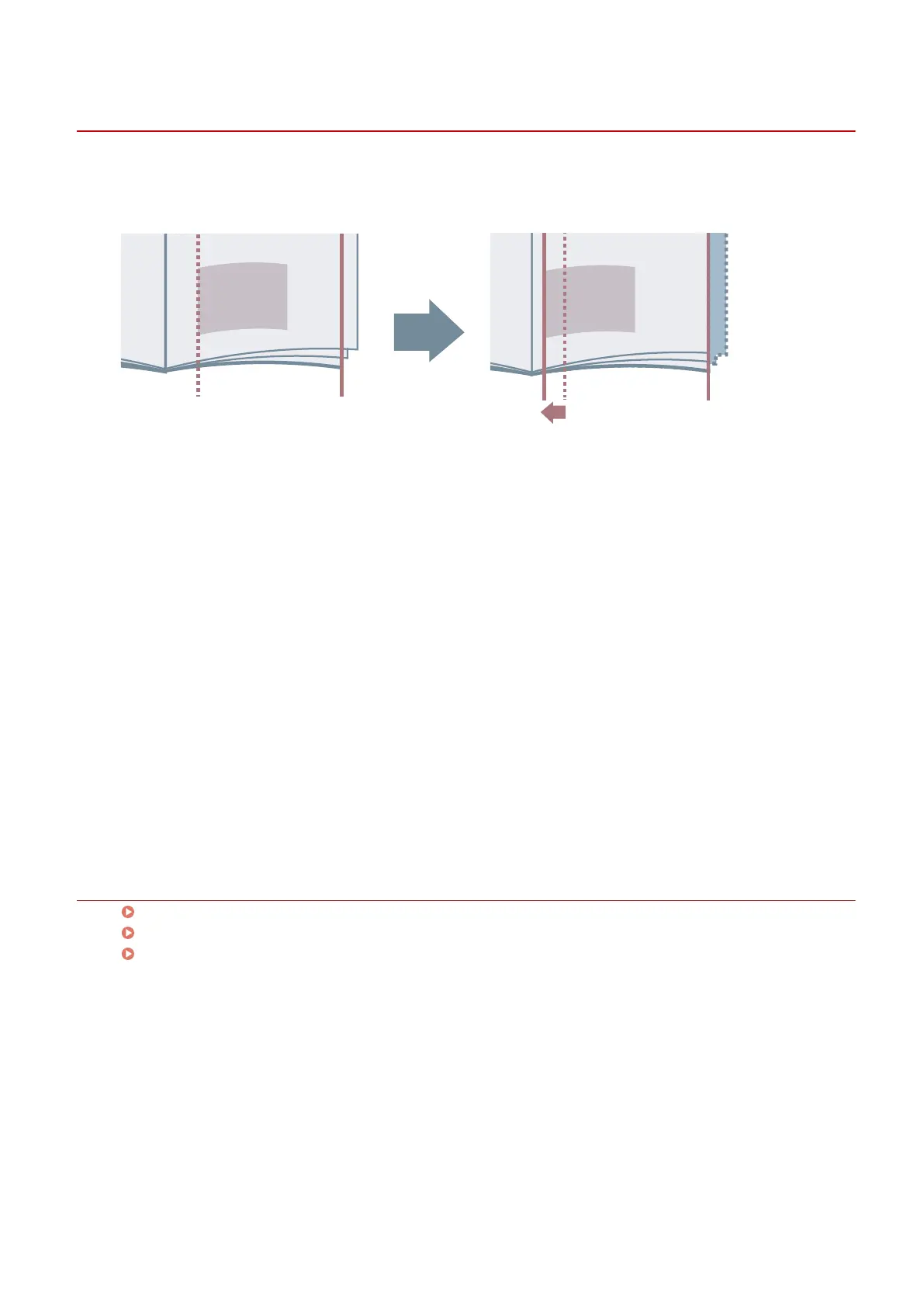
Correcting Displacement During Booklet Printing
You can create and print booklets while correcting displacement between outer and inner pages that occurs
during booklet printing. If you trim the edges of the pages using a trimmer, you can adjust the amount of
margin so that the position of the print data on the page does not deviate between pages.
1
Display the [Main] or [Layout] sheet.
2
Select [Booklet Printing] → click [Details].
3
In the [Booklet Settings] dialog box, select [Use creep (displacement) correction].
4
Select a correction method in [Correction Method].
If correcting manually, specify a correction amount in [Correction Amount].
5
Click [OK].
Related Topics
[Main] Sheet(P. 115)
[Layout] Sheet(P. 118)
Booklet Printing(P. 85)
Creating a Booklet
87



 To Next Page