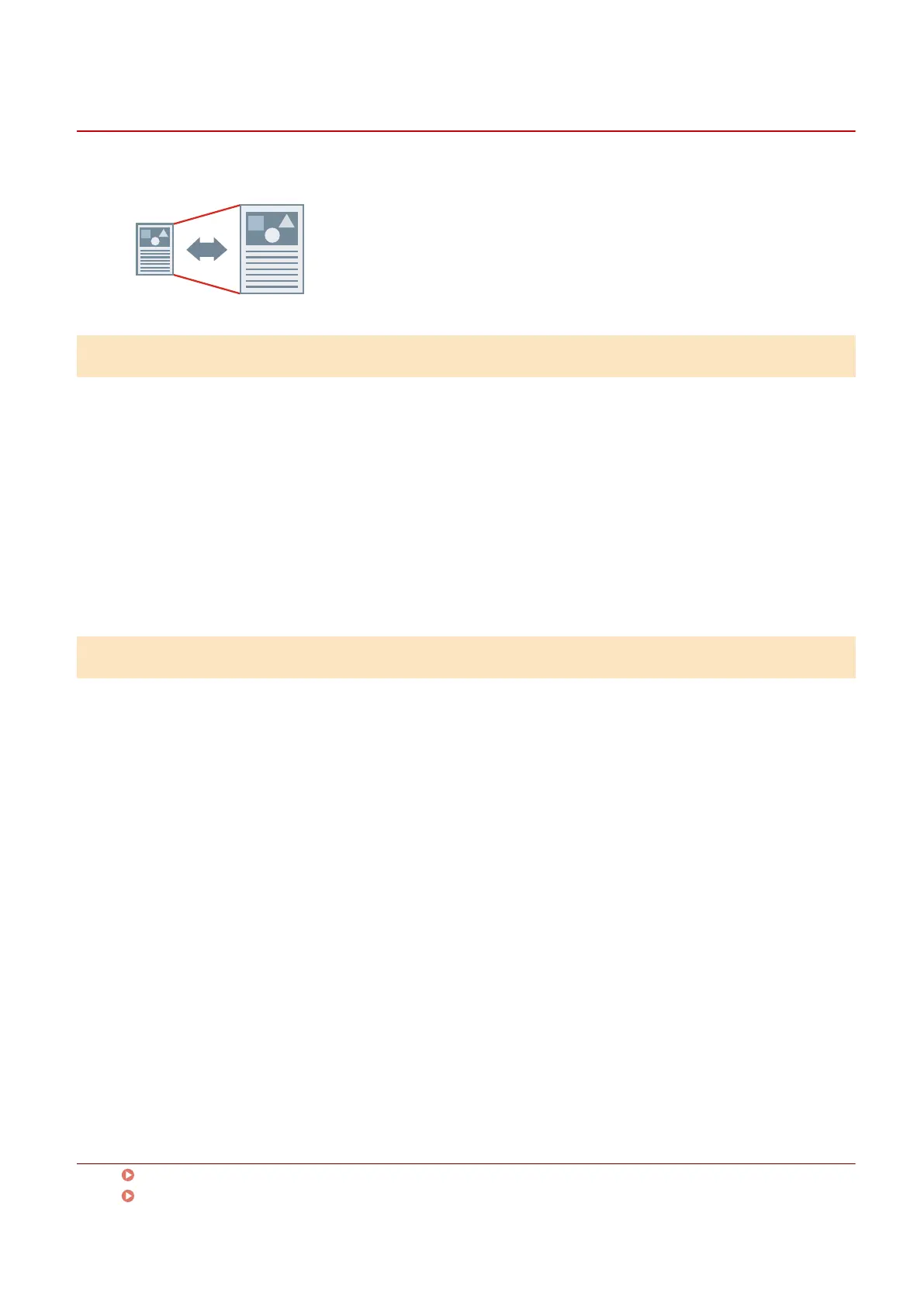
Scaling
You can enlarge or reduce the print data when printing.
To scale to the output page size
1
Display the [Main] sheet.
2
Check that the paper size set in the app is displayed in [Page Size].
To change the page size, click [Details] → select the paper size from [Page Size] → click [OK].
3
Select the paper size you want to print on from [Output Size].
To specify a desired scale
1
Display the [Main] sheet.
2
Click [Page Size] > [Details].
3
In the [Detailed Settings] dialog box, check that the paper size set in the app is
displayed in [Page Size].
To change the page size, select the paper size from [Page Size].
4
Select [Specify print ratio].
If necessary, set a ratio and select [Origin Point for Specied Ratio].
5
Click [OK].
Related Topics
[Main] Sheet(P. 115)
Registering Custom Paper Sizes(P. 96)
Printing
66



 To Next Page