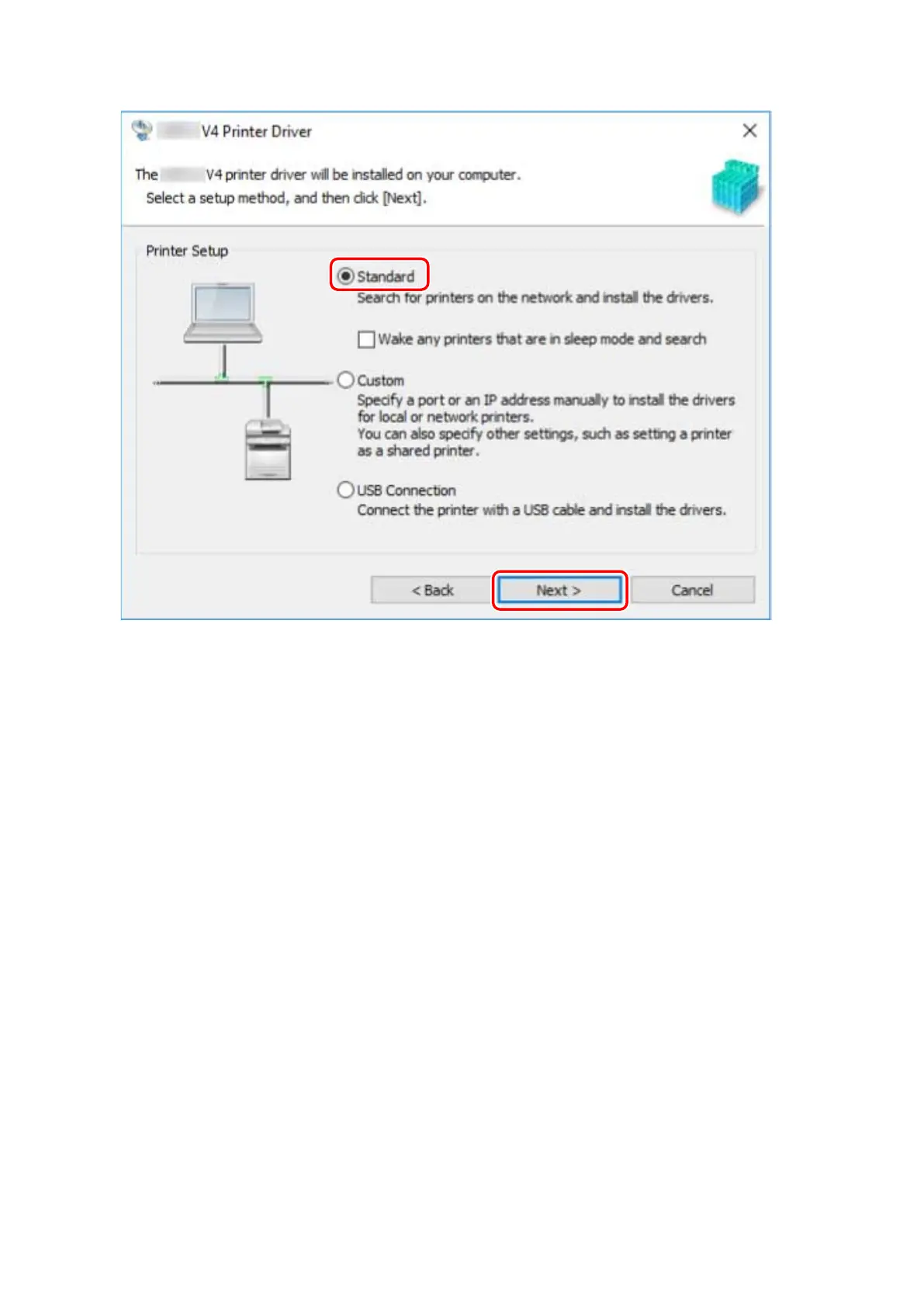
[Wake any printers that are in sleep mode and search]: Select this when you want to detect devices on the
network that are in sleep mode.
5
If the following screen is displayed, select [Add new printers] → click [Next].
[Add new printers and update existing printer drivers]: Select this when you want to update already installed
drivers at the same time that you add a new driver.
Installing the Driver
20



 To Next Page