5
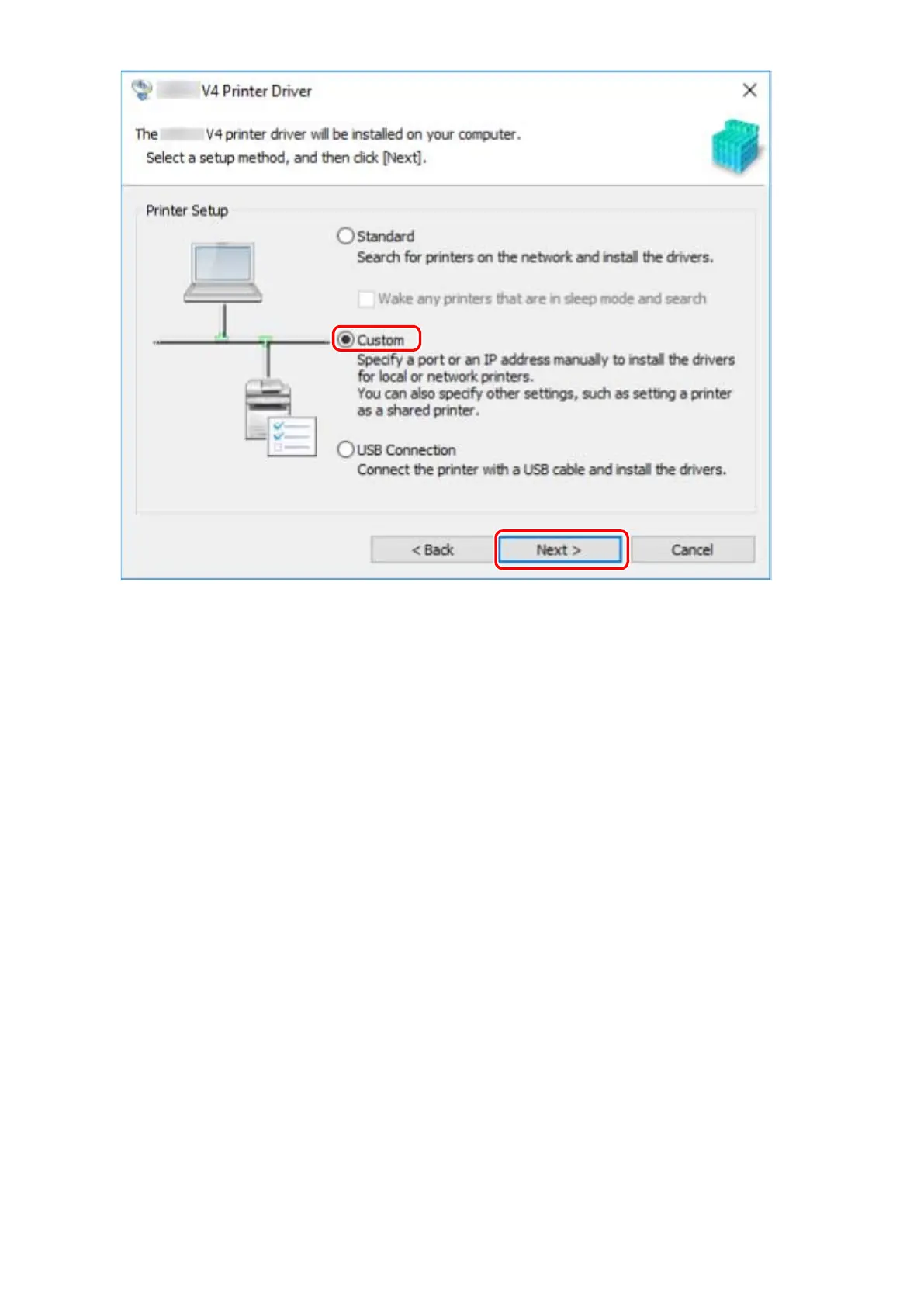
If the following screen is displayed, select [Add new printers] → click [Next].
[Add new printers and update existing printer drivers]: Select this when you want to update already installed
drivers at the same time that you add a new driver.
[Update existing printer drivers]: Select this if you want to update drivers only. For details, refer to the
procedure for updating drivers.
Installing the Driver
25



 To Next Page