Output Result
Setting Example 2.
● [Main] sheet > [Orientation]: [Portrait]
● [Layout] sheet > [Poster]: [2 x 2]
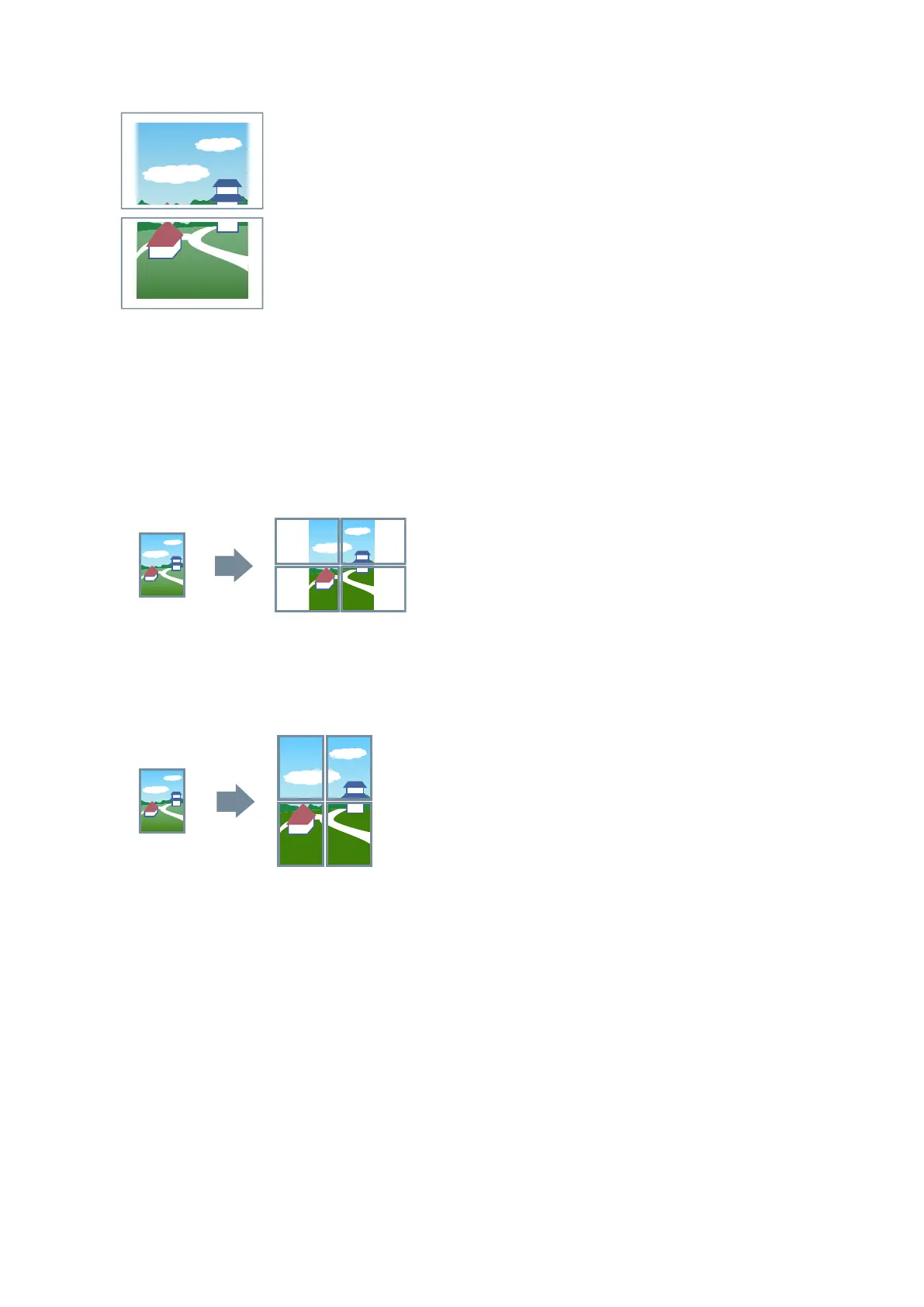
Output Result
When [Poster Settings] dialog box > [Rotate sheets 90 degrees] > [On] is selected
When [Poster Settings] dialog box > [Rotate sheets 90 degrees] > [Off] or [Auto] is selected
If you select [Auto], the pages are oriented in the direction in which the print data is printed larger. In this
example, the orientation is the same as when [Off] is selected.
Setting Example 3.
● [Main] sheet > [Orientation]: [Portrait]
● [Layout] sheet > [Poster] > [Custom]: Set 3 for [Number of Rows] and 2 for [Number of Columns]
Output Result
When [Poster Settings] dialog box > [Rotate sheets 90 degrees] > [On] or [Auto] is selected
If you select [Auto], the pages are oriented in the direction in which the print data is printed larger. In this
example, the orientation is the same as when [On] is selected.
Printing
69



 To Next Page