imported from a card used in other cameras, there is no guarantee for the import
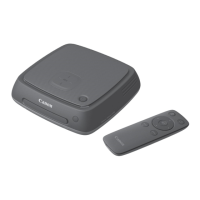
When holding the camera/camcorder close to Connect Station, do not drop the
camera/camcorder on it or push the camera/camcorder hard against it. Doing so may
damage the built-in hard disk.
While images are being imported, you cannot connect an NFC-compatible camera/
camcorder even if you hold it close to Connect Station.
If a case etc. is attached to the camera/camcorder, connection may not be possible. In
such a case, detach the case etc., and hold the camera/camcorder close to Connect
Station.
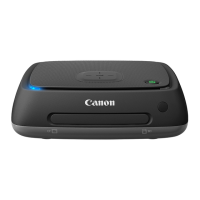
Since the camera/camcorder may not be recognized readily, carefully hold the camera/
camcorder close to the NFC connect point on Connect Station while rotating the
camera/camcorder horizontally.
Just holding the camera/camcorder close to Connect Station may not establish a
connection. In such a case, gently touch Connect Station with the camera/camcorder.
When connecting Connect Station to a camera/camcorder, and it gives three short
beeps and the power lamp blinks in red, this indicates that Connect Station is not in a
status to establish connection. Make sure if the camera/camcorder is ready for
connection.
If the camera/camcorder and Connect Station are moved too far away from each other
while importing images, the import may take time or the connection may be terminated.
If the camera’s/camcorder’s battery runs out during import, the import will stop. Charge
the battery, then try importing again.
While a wireless LAN connection is established, you may not be able to connect a
camera/camcorder even if you connect it with an interface cable.


 To Next Page