27
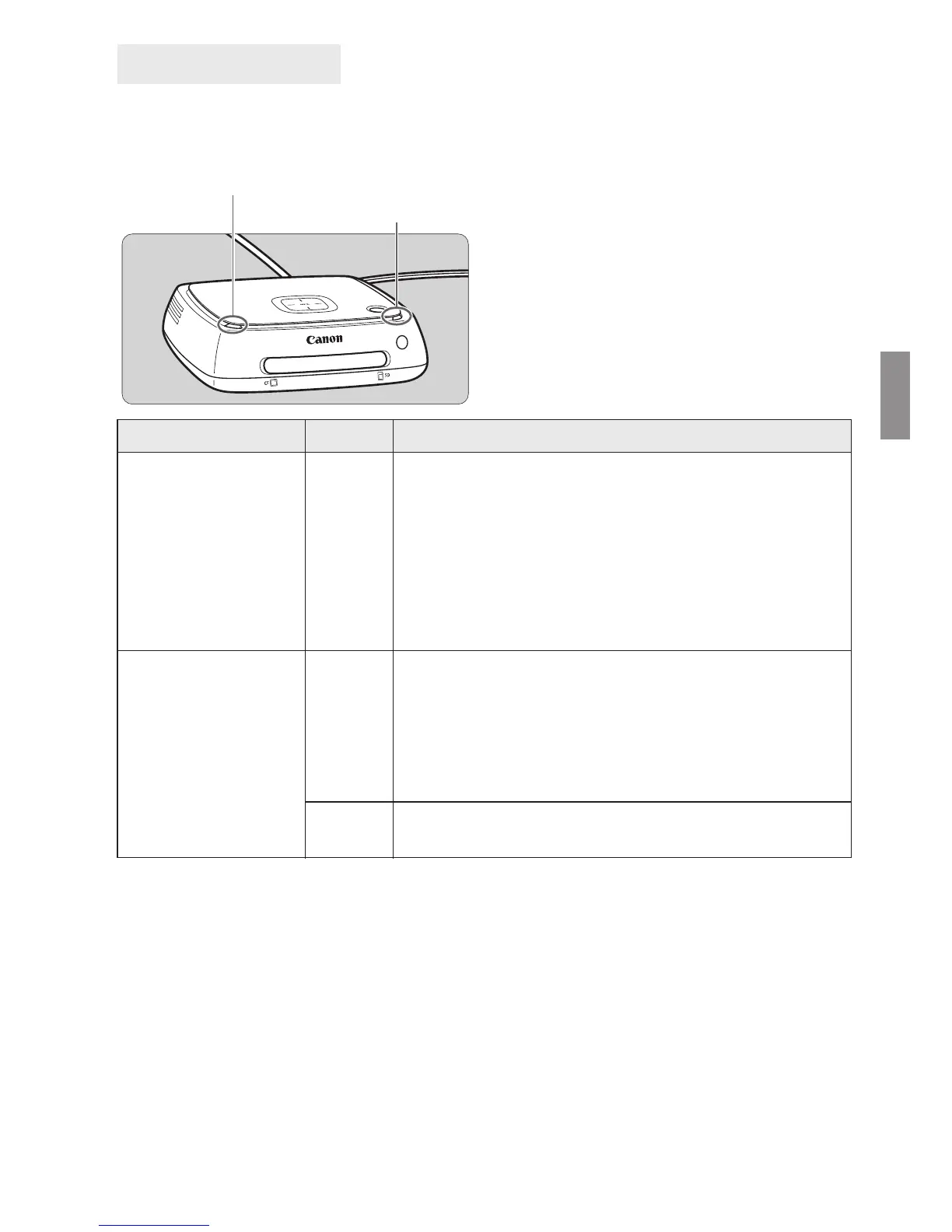
The lighting conditions of the Wi-Fi/New image notification lamp and access lamp
allow you to check the connection status of the connected device or the processing
status.
*1 Selecting [New images received] on the Home screen turns off the lamp.
*2 The power lamp also blinks in green.
*3 The lamp stays lit when the processing is complete.
Lamp Indicators
Lamp Display Connection Status/Processing Status
Wi-Fi/New image
notification lamp
(blue)
Blinks
• When images are being imported from a camera/
camcorder connected via a wireless LAN
• When there are new images
*1
• When images have been received from another
Connect Station
*1
• When a device is held close to the NFC connect
point and connection is established
• When the firmware is being updated
*2
Access lamp
(green)
Blinks
*3
• When images are being imported from a card or a
camera/camcorder connected via wired connection
• When image data is being copied to a card
• When image data is being backed up to an external
hard disk
• When the firmware is being updated
*2
Lights
up
When importing images is complete
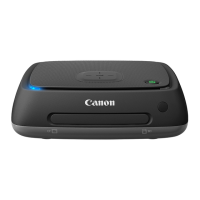
Wi-Fi/New image notification lamp
Access lamp


 To Next Page