57
Items in Preferences for which supplementary information is necessary are
described below.
J b Tab
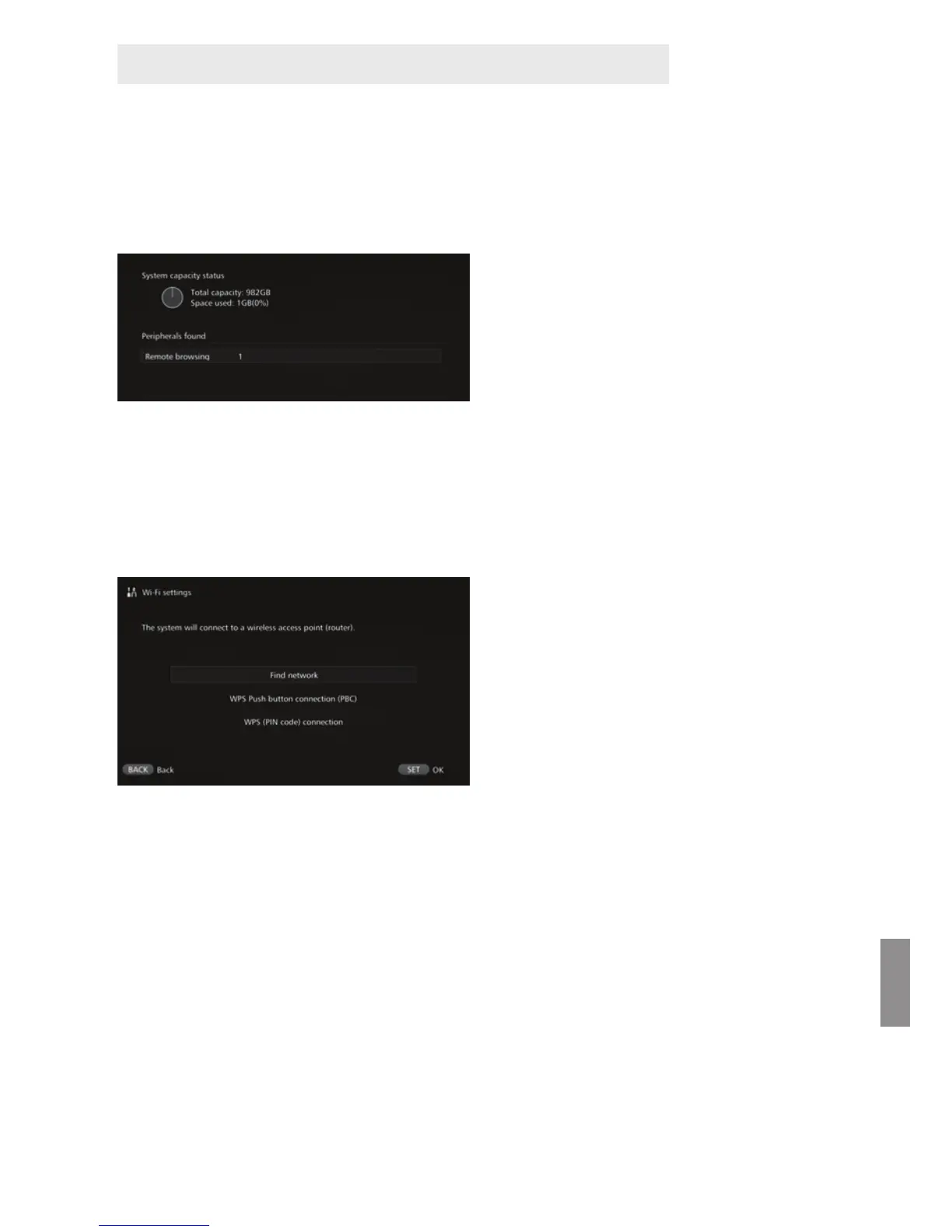
[Show status]
Check the status of the ongoing processing such as image transfer or printing.
When you select a processed
item with the <d> <f> keys and
press <M>, you can
interrupt the processing and
cancel it.
An item for which [x] is displayed
has an error. Cancel the
processed item and try again.
J c Tab
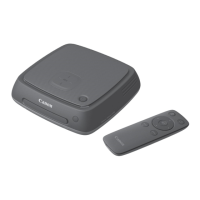
[Wi-Fi settings]
Change the settings of the connection with the access point. If you do not make the
Wi-Fi settings during the initial setting, use this menu to make the settings.
Select the connection method
from the following three options:
[Find network], [WPS Push
button connection (PBC)], and
[WPS (PIN code) connection].
Supplementary Information on Preferences



 To Next Page