Downloading Images to a Computer I 31
4= Press the _ button after downloading finishes.
You will return to the Direct Transfer menu.
Only JPEG images can be downloaded as wallpaper fora
computer.
The option selected with the _,_, button is retained even when
the camera's power is turned off. The previous setting will be in
effect the next time the Direct Transfer menu is displayed. The
image selection screen will appear directly when the [Select &
Transfer] or the [Wallpaper] option was last selected.
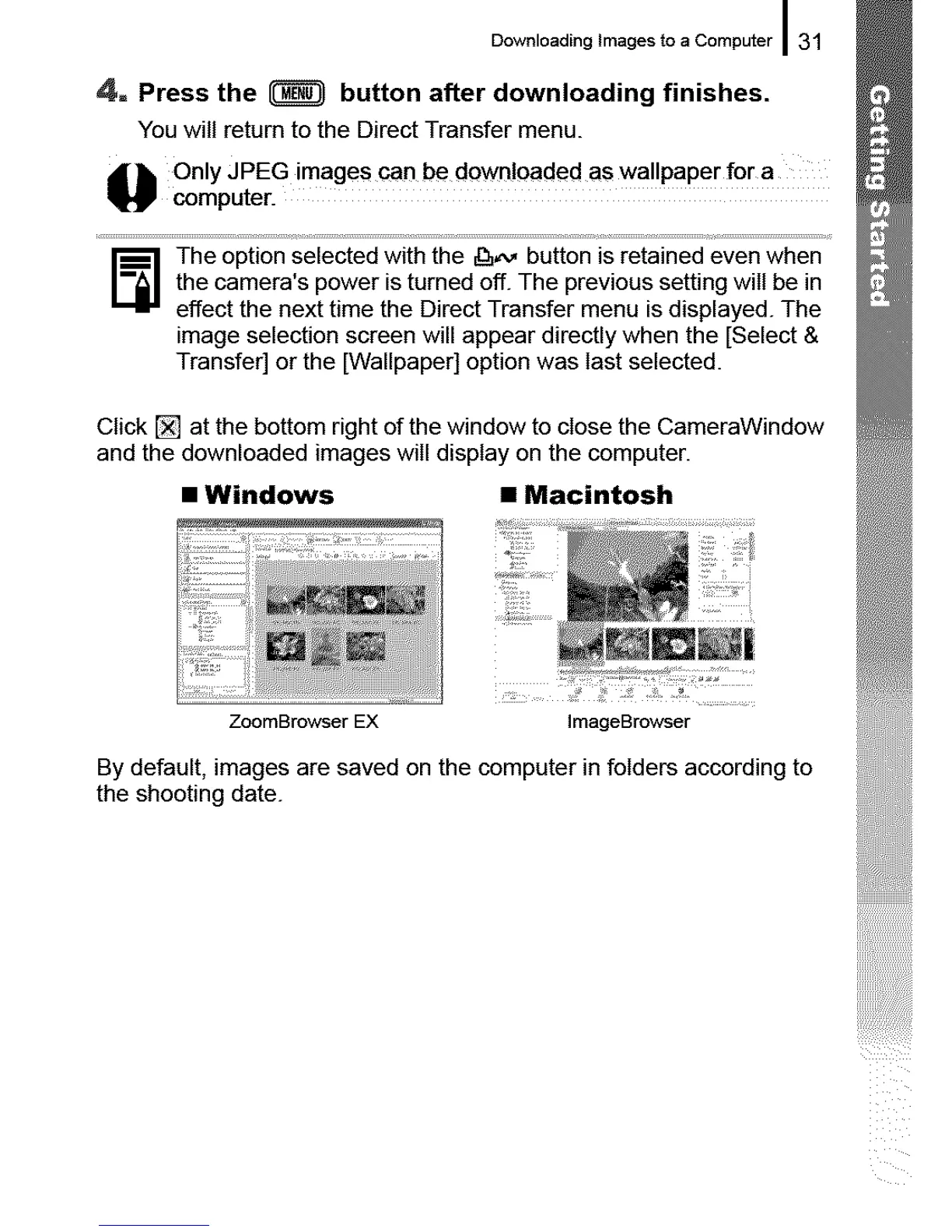
Click [] at the bottom right of the window to close the CameraWindow
and the downloaded images will display on the computer.
• Windows l Macintosh
ZoomBrowser EX
ImageBrowser
By default, images are saved on the computer in folders according to
the shooting date.





 To Next Page