Components Guide I 45
I Indicator
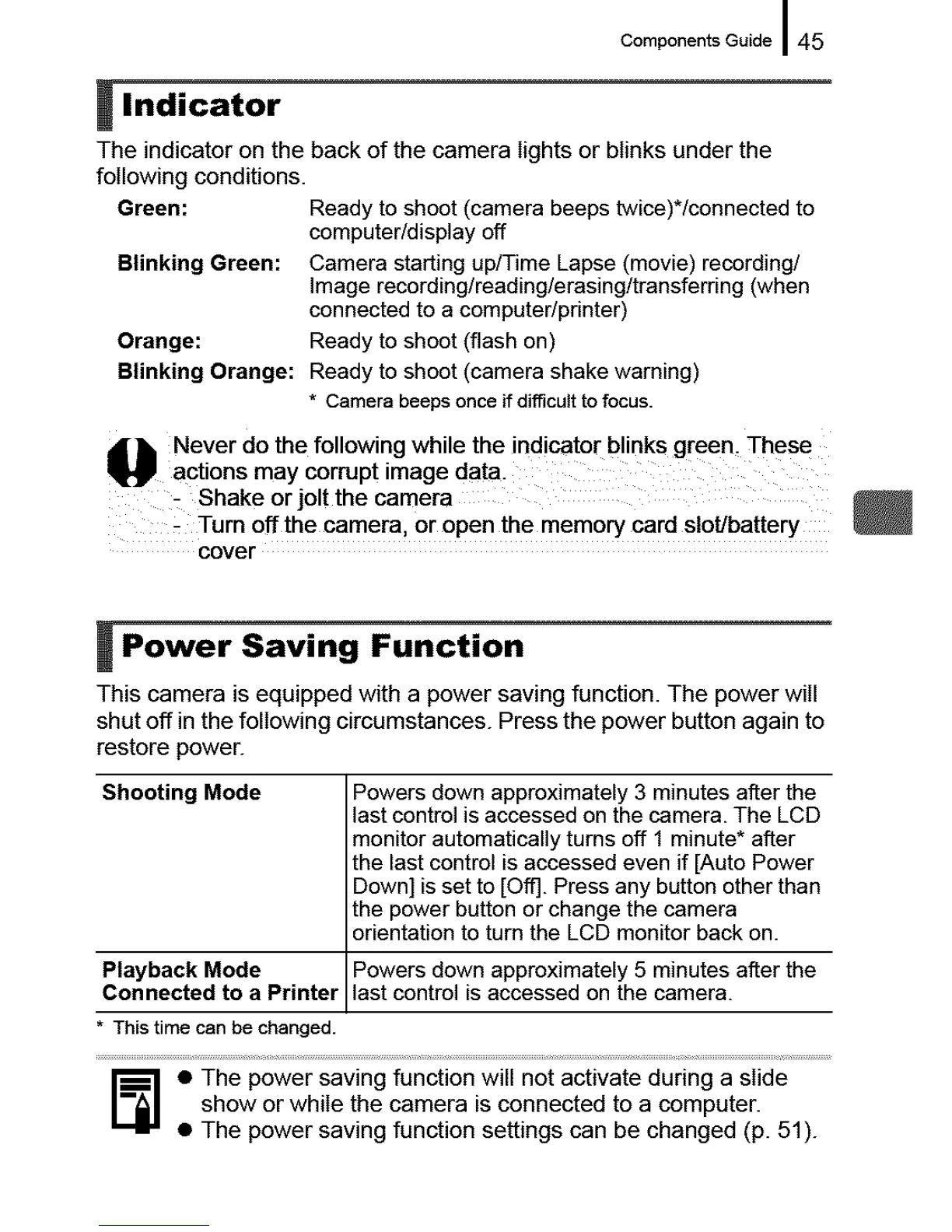
The indicator on the back of the camera lights or blinks under the
following conditions.
Green: Ready to shoot (camera beeps twice)*/connected to
computer/display off
Blinking Green: Camera starting up/Time Lapse (movie) recording/
Image recording/reading/erasing/transferring (when
connected to a computer/printer)
Orange: Ready to shoot (flash on)
Blinking Orange: Ready to shoot (camera shake warning)
* Camera beeps once if difficult to focus.
_ ever do the following while the indicator blink s green, Thes e
actions may corrupt image data.
Shake or jolt the camera
- Turn off the camera, or open the memory card slotJbattery
cover
I Power Saving Function
This camera is equipped with a power saving function. The power will
shut off in the following circumstances. Press the power button again to
restore power.
Shooting Mode Powers down approximately 3 minutes after the
last control is accessed on the camera. The LCD
monitor automatically turns off 1 minute* after
the last control is accessed even if [Auto Power
Down] isset to [Off]. Press any button other than
the power button or change the camera
orientation to turn the LCD monitor back on.
Playback Mode Powers down approximately 5 minutes after the
Connected to a Printer last control is accessed on the camera.
* This time can be changed.
_] • The power saving function will not activate during a slide
show or while the camera is connected to a computer.
• The power saving function settings can be changed (p. 51).





 To Next Page