66ICommonly Used Shooting Functions
You can also use the touch control dial to select shooting modes or
FUNC. menu options. See p. 41.
J Shooting with the Optical Zoom [][][]
[]See Functions Available in Each Shooting Mode (p. 238).
The zoom can be adjusted from 28 mm - 105 mm (focal length) in
35mm film equivalent terms.
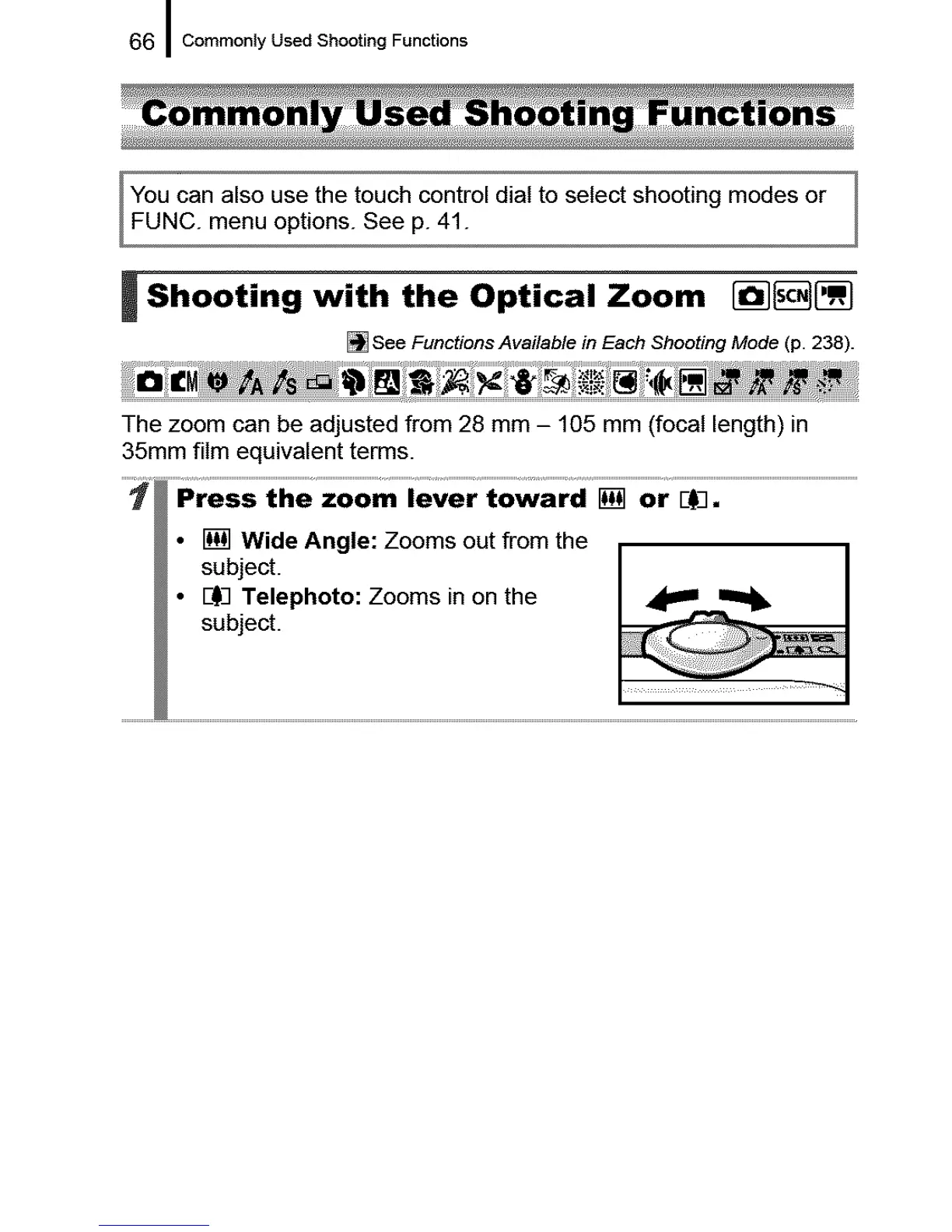
• [] Wide Angle: Zooms out from the
subject.
• BI)3Telephoto: Zooms in on the
subject.





 To Next Page