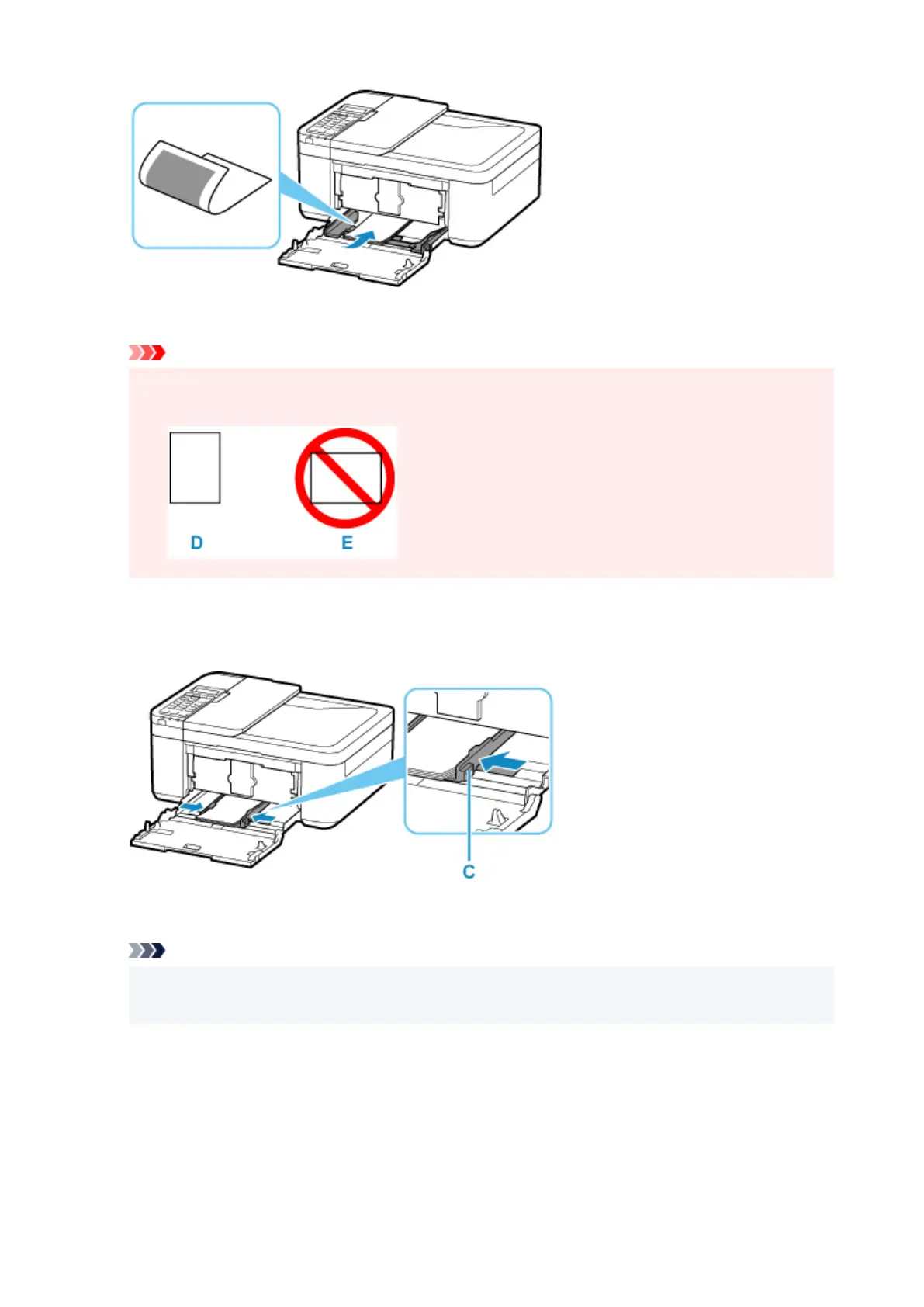
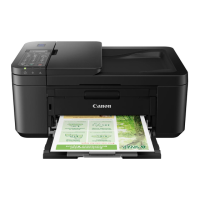
* The above figure shows the printer with the paper output tray raised.
Important
•
Always load paper in portrait orientation (D). Loading paper in landscape orientation (E) can
cause paper jams.
6.
Slide the right paper guide (C) to align the paper guides with both sides of the paper stack.
Do not slide the paper guides too hard against the paper. The paper may not be fed properly.
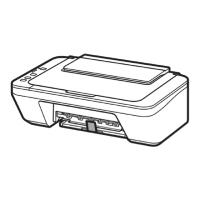
* The above figure shows the printer with the paper output tray raised.
Note
•
Do not load sheets of paper higher than the load limit mark (F).
•
Keep the paper stack height below the tabs (G) of the paper guides.
89



 To Next Page