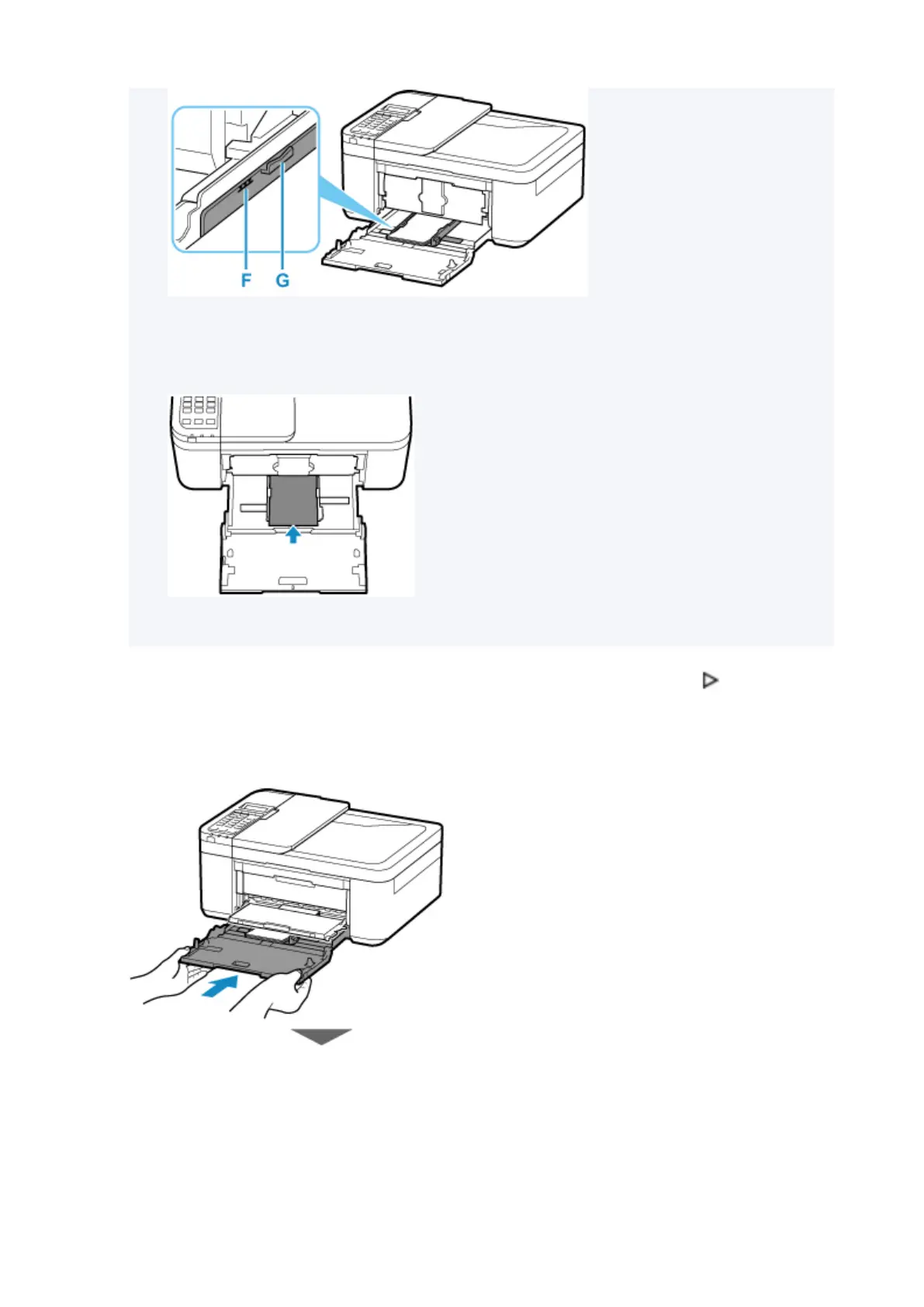
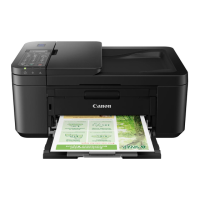
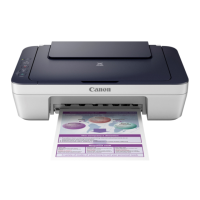
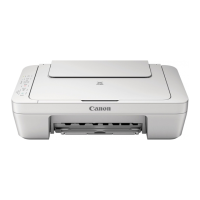
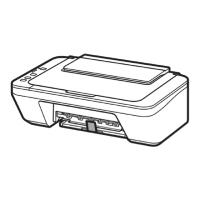
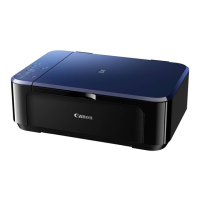
* The above figure shows the printer with the paper output tray raised.
•
Load small size paper, such as 4" x 6" (10 x 15 cm), by pushing it in all the way to the back of the
cassette.
* The above figure shows the printer with the paper output tray raised.
7.
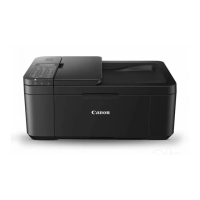
Grab right and left sides of front cover and push cassette back until arrow ( ) on front
cover is aligned with edge of printer.
After pushing the cassette back properly, the printer makes an electronic sound and the paper
information registration screen is displayed on the LCD.
90



 To Next Page