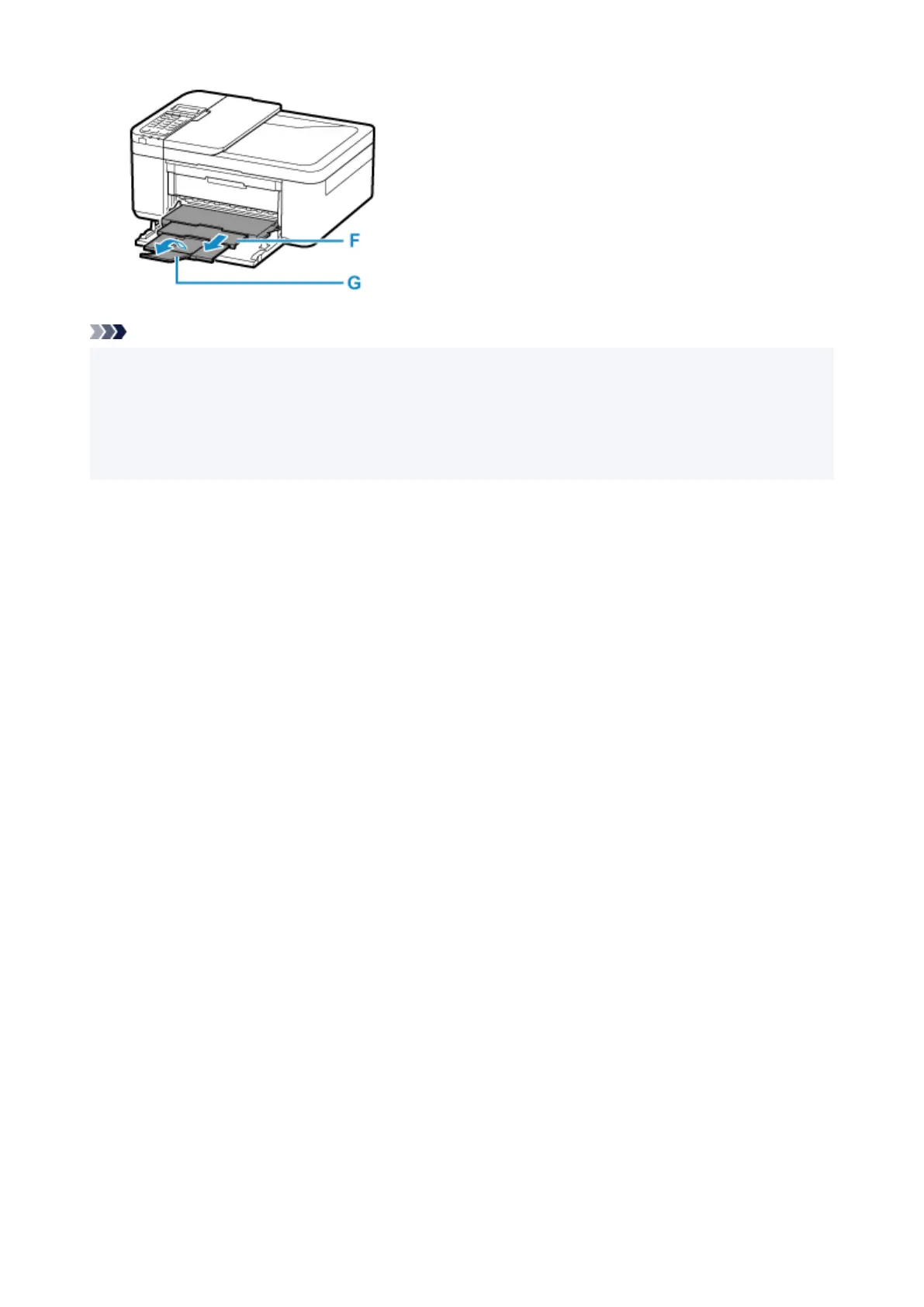
Note
• To prevent incorrect printing, this printer has a function that detects whether the information set for the
paper loaded matches the paper settings. Before printing, make paper settings in accordance with the
paper information. When this function is enabled, an error message is displayed if these settings do not
match to prevent incorrect printing. When this error message is displayed, check and correct the paper
settings.
97







 To Next Page