Special Recording Modes
110
Pre-recording Mode
When pre-recording mode is activated, the camera starts recording
continuously into a temporary memory of approximately 3 seconds so
when you press the START/STOP button, the clip will contain also
approximately 3 seconds of video and audio recorded before you pressed
the button.
1 Set the system priority to MXF (A 65).
2 Open the [Special Rec] submenu.
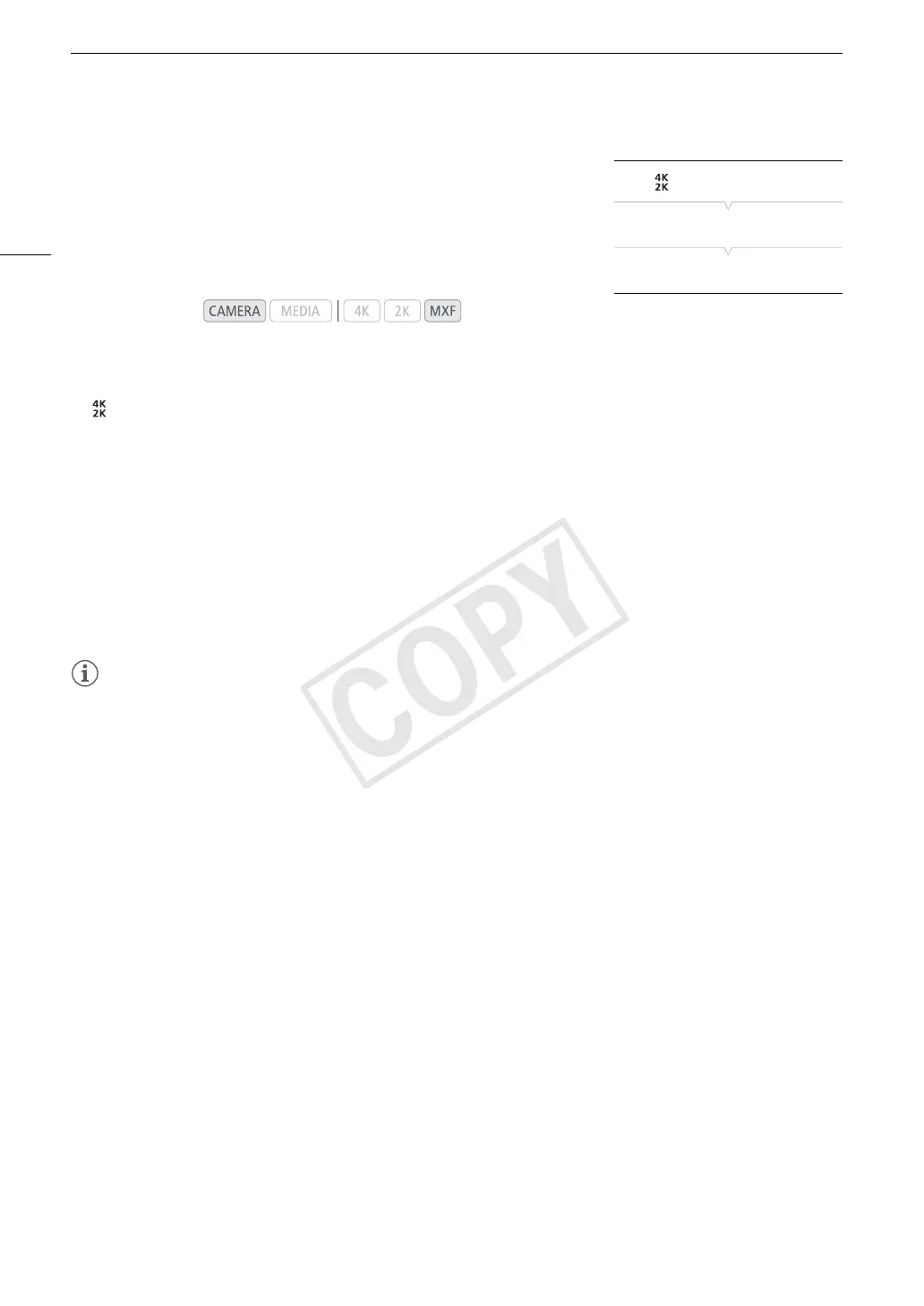
[ 4K/2K/MXF Setup] > [Special Rec]
3 Select [Pre Rec] and then press SET.
• [PRE REC STBY] appears at the top of the screen.
4 Press the START/STOP button to begin recording.
• The tally lamp illuminates.
• [PRE REC STBY] changes to [Ü PRE REC] while recording.
5 Press the START/STOP button again to stop recording.
• The camera records the clip, including approximately 3 seconds of video and audio recorded before the
START/STOP button was pressed.
• The tally lamp goes out and [PRE REC STBY] appears at the top of the screen.
NOTES
• You can use only one special recording mode at a time.
• Pre-recording mode will be deactivated if the special recording mode is changed or turned off. It will be
deactivated also if you change the video configuration.
• During pre-recording mode, the time code will be recorded with the running mode (A 84) set to [Free Run],
regardless of the previous setting. Alternatively, you can use an external time code signal. When the time code
is recorded, it will include the 3 seconds before the START/STOP button was pressed. When special recording
mode is deactivated, the running mode will return to its previous setting.
Operating modes:
[ 4K/2K/MXF Setup]
[
Special Rec]
[Off]



 To Next Page