155
Saving MXF Clips to a Computer
Uninstalling Canon XF Plugin for Avid Media Access or Canon XF Plugin 64 for Avid Media
Access
1 In the Control Panel, open Programs and Features* (Windows Vista/Windows 7) or Add or Remove
Programs (Windows XP).
• A list of installed programs appears.
2 Select the desired plugin.
3Click Uninstall or Uninstall/Change (Windows Vista/Windows 7) or Change/Remove (Windows XP).
4 Follow the onscreen instructions.
*This may be Add or Remove Programs depending on how the Control Panel is displayed.
Uninstalling Canon XF MPEG2 Decoder
1 In the Control Panel, open Programs and Features* (Windows Vista/Windows 7) or Add or Remove
Programs (Windows XP).
• A list of installed programs appears.
2 Select Canon XF MPEG2 Decoder.
3Click Uninstall or Uninstall/Change (Windows Vista/Windows 7) or Change/Remove (Windows XP).
4 Follow the onscreen instructions.
*This may be Add or Remove Programs depending on how the Control Panel is displayed.
Uninstalling the Instructions for Avid’s NLE Software Plugins
1From the Start menu, open All Programs > Canon Utilities > Desired plugin > Uninstall Canon XF Plugin
for Avid Media Access Instruction Manual or Canon XF Plugin 64 for Avid Media Access Instruction
Manual.
2 When the confirmation screen appears, click Yes and then click OK.
Installing and Uninstalling Canon XF Utility (Mac OS)
Installing Canon XF Utility
1 Insert the Canon XF Utilities CD-ROM into the computer.
2 Open the Finder, click CanonXF**M under DEVICES in the sidebar and double-click MasterInstaller.
• The “**” in the CD-ROM’s name stands for the version number.
• Mac OS X v10.5 or 10.6: The CD-ROM’s icon will appear on the desktop. You can double click the icon and
then double-click MasterInstaller.
• The installation screen appears.
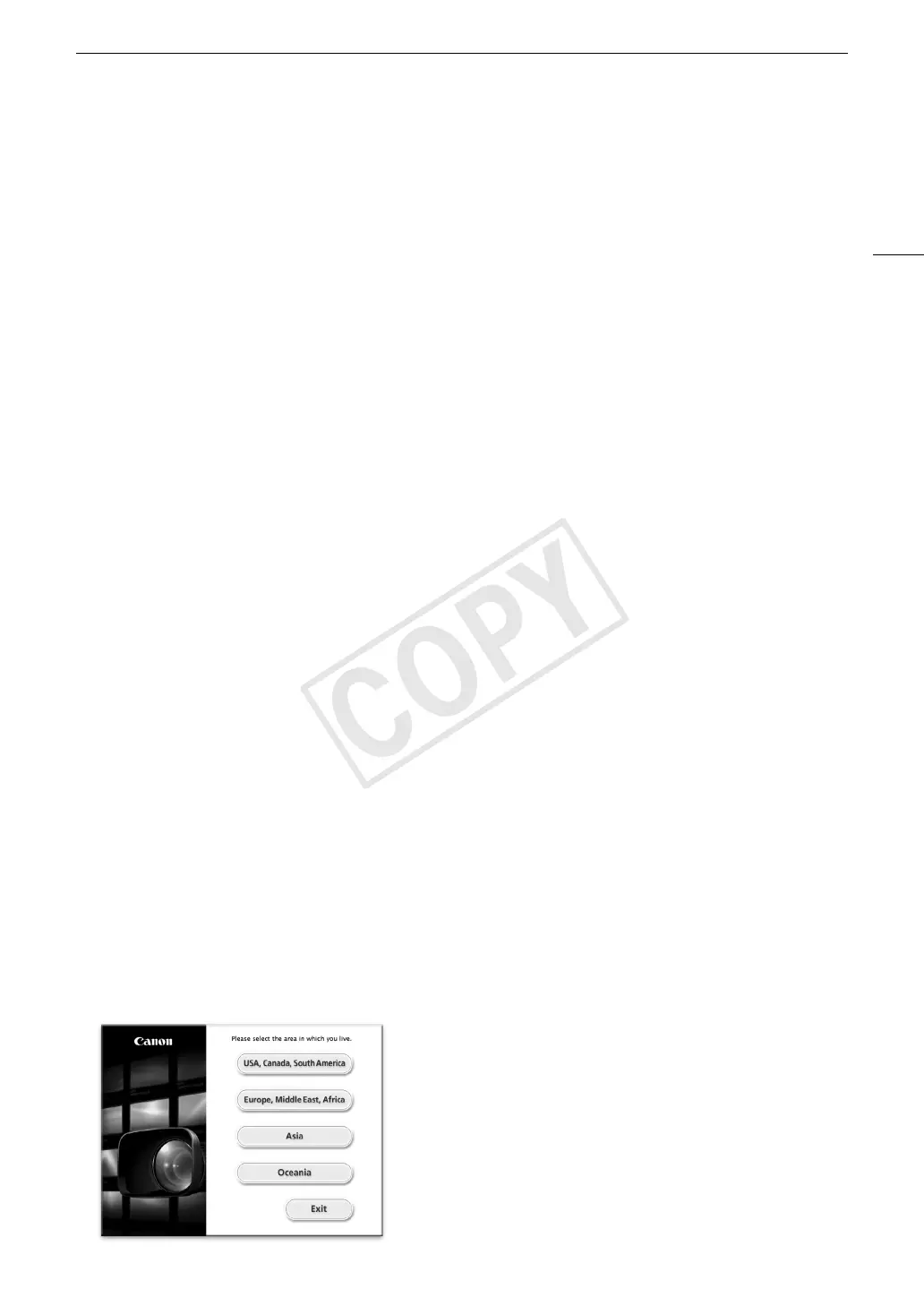
3 Select your region.


 To Next Page