173
Menu Options
1
Setting applies also to the MON. 1 terminal output.
2
Not available in the [Photos] index screen or photo playback screen.
[Audio Level]: Displays the audio level meter when set to [On].
[Custom Display 1] settings
[Custom Picture]: Displays the custom picture icon (/) when set to [On], indicating that a custom picture
profile will be recorded with a clip.
2 [Focal Length]: Displays the current focal length of an attached EF lens when set to [On].
[ND Filter]: Displays the ND filter indicator when set to [On].
[Key Lock]: Displays the key lock icon (C) when set to [On].
[White Balance]: Displays the white balance indicator when set to [On].
2 [Iris]: Displays the aperture setting when set to [On].
[ISO/Gain]: Displays the ISO speed or gain setting when set to [On].
[Shutter]: Displays the shutter speed setting when set to [On].
[Peaking]: Displays the peaking icon (J or K) when set to [On].
[Magnification]: Displays the screen magnification icon (^) when set to [On], indicating that the image on
the screen is being magnified.
[View Assist.]: Displays the view assistance icon (O) when set to [On].
[Lens]: Displays the lens warning icon ( ) when set to [On], indicating that the attached lens cannot
communicate with the camera.
[Custom Display 2] settings
[Remaining Battery]: Controls when the remaining battery indicator appears.
[Warning]: Appears only when there is a warning.
[Normal]: Always appears on the screen.
[Remaining Rec Time]: Displays the remaining recording time.
[Warning]: Appears only when there is a warning.
[Normal]: Always appears on the screen.
[Rec Mode]: Displays the recording operation indicator ([STBY`] in record pause mode, for example) when
set to [On].
[Genlock]: Displays the Genlock synchronization icon (U) when set to [On].
[Time Code]: Displays the time code when set to [On].
[Interval Counter]: Displays the countdown during interval recording mode when set to [On].
[SD Card Status]: Controls when the SD card status indicator appears.
[Warning]: Appears only when there is a warning.
[Normal]: Always appears on the screen.
[Temperature/Fan]: Displays the temperature warning icon ( ) and the cooling fan icon ( ) when set to
[On]. The temperature warning icon indicates that the camera’s internal temperature has become high.
[4K/2K Mode]: Displays the recording mode onscreen display for 4K mode ([RAW] or [HRAW]) or 2K mode
( or , plus bit depth) when set to [On].
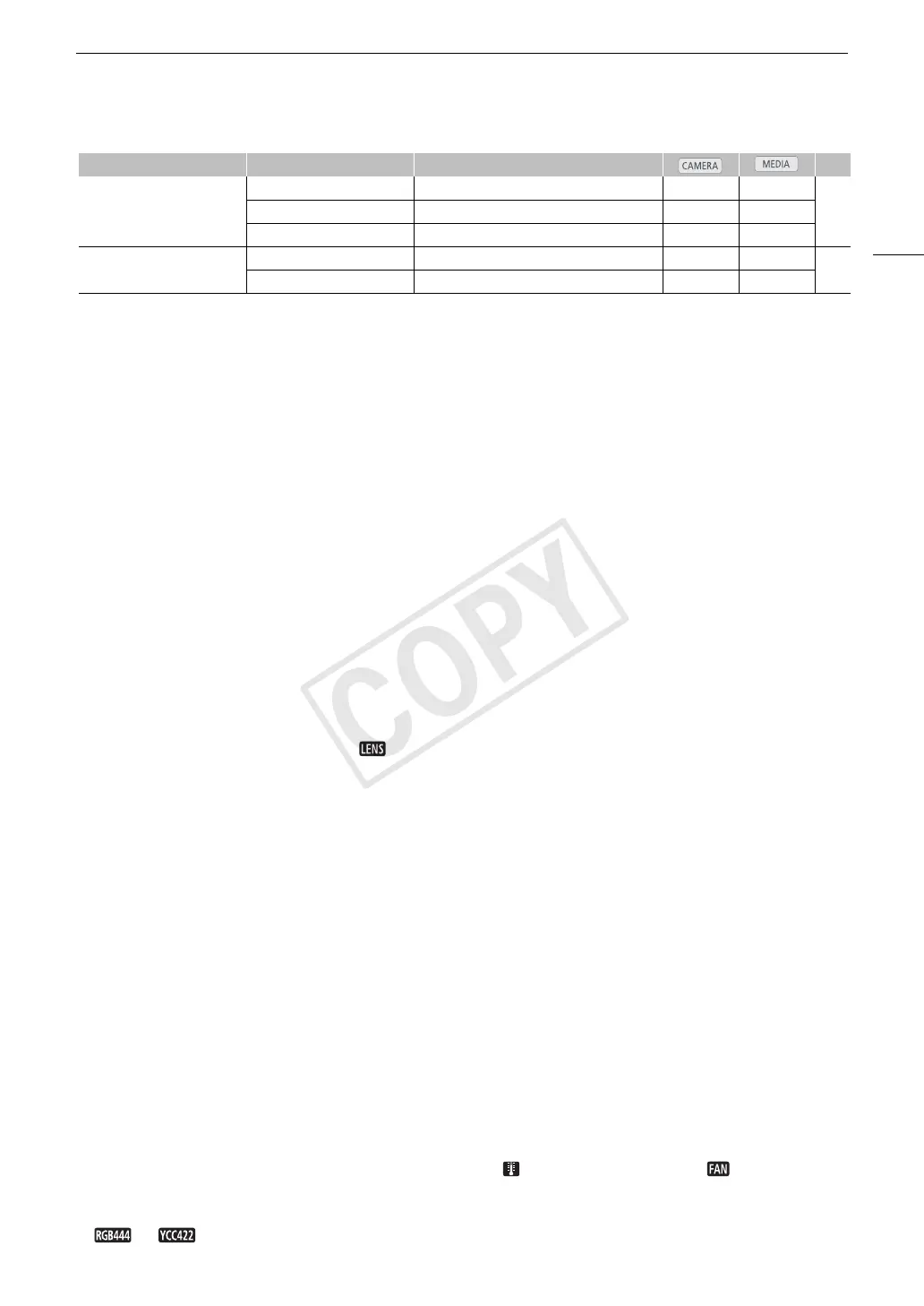
[Custom Display 2] [Audio Level] [On], [Off] Ü –
–[Wi-Fi] [On], [Off] Ü –
[Date/Time] [Date/Time], [Time], [Date], [Off] Ü –
[Metadata Display] [Date/Time] [On], [Off] – Ü
2
–
[Camera Data] [On], [Off] – Ü
2
Menu item Submenu Setting options A


 To Next Page