Menu Options
176
1
Not available in the [Photos] index screen or photo playback screen.
2
The default value depends on the country/region or purchase.
3
Setting options for [Assign Button]: [(NONE)], [PEAKING], [ZEBRA], [WFM], [EDGE MON.], [MAGN.], [Color Bars], [Markers], [LCD
Setup], [VF Setup], [LCD/VF B&W], [View Assist.], [LUT], [Resize MON. Output], [Resize MXF Output], [Onscreen Display], [Add
Shot Mark 1], [Add Shot Mark 2], [Add $ Mark], [Add % Mark], [Time Code], [Time Code Hold], [Headphone +], [Headphone -],
[Audio Output CH], [Audio Level], [Photo], [FUNC.], [FUNC. Shutter], [FUNC. ISO/Gain], [FUNC. WB], [S&F Frame Rate], [My
Menu], [Initialize Media], [LENS EXCHANGE], [User Setting (NONE)].
The default settings are as follows. [1]: [MAGN.], [2]: [PEAKING], [3]: [ZEBRA], [4]: [WFM], [5]: [LENS EXCHANGE], [6]: [LUT],
[7]: [MAGN.], [8]: [WFM], [9]: [EDGE MON.], [10] to [15]: [(NONE)].
4
Available in the clip index screen and [$ Mark] index screen only.
5
Available in the clip index screen only.
6
Available in the [Photos] index screen and photo playback screen only.
7
Only appears when the optional WFT-E6 Wireless File Transmitter is attached to the camera.
[Reset]: Reset various camera settings.
[All Settings]: Resets all the camera’s settings to default settings, except for the hour meter.
[Camera Settings]: Resets the white balance, iris (2 only), ISO speed, gain, shutter speed, [~ Camera
Setup] settings and custom picture settings to default settings.
[Assignable Buttons]: Resets the assignable buttons to default settings.
[Tally Lamp]: Allows you to set whether the tally lamp illuminates while recording.
[Media Access LED]: Allows you to set whether the CF card access indicators or the SD card access indicator
illuminates while the camera is accessing a CF card or SD card.
[Genlock Adjust.]: The phase difference between the external Genlock signal and the camera is initially set to 0.
This function allows you to adjust it within the range of approx. ±0.4 H (-1023 to 1023). When setting to 1000 or
more or -1000 or less, set the first field to 10 or -10, respectively.
[Delete Last Clip]: Deletes the last MXF clip you recorded. This setting option will not appear if you turned the
camera off since recording the last clip.
[Reset Hour Meter]: The camera has two “hour meters” – the first keeps track of total operation time and the
second keeps track of operation time since the last time the second hour meter was reset with this function.
[Firmware]: You can verify the current version of the camera’s firmware. This menu option is usually unavailable.
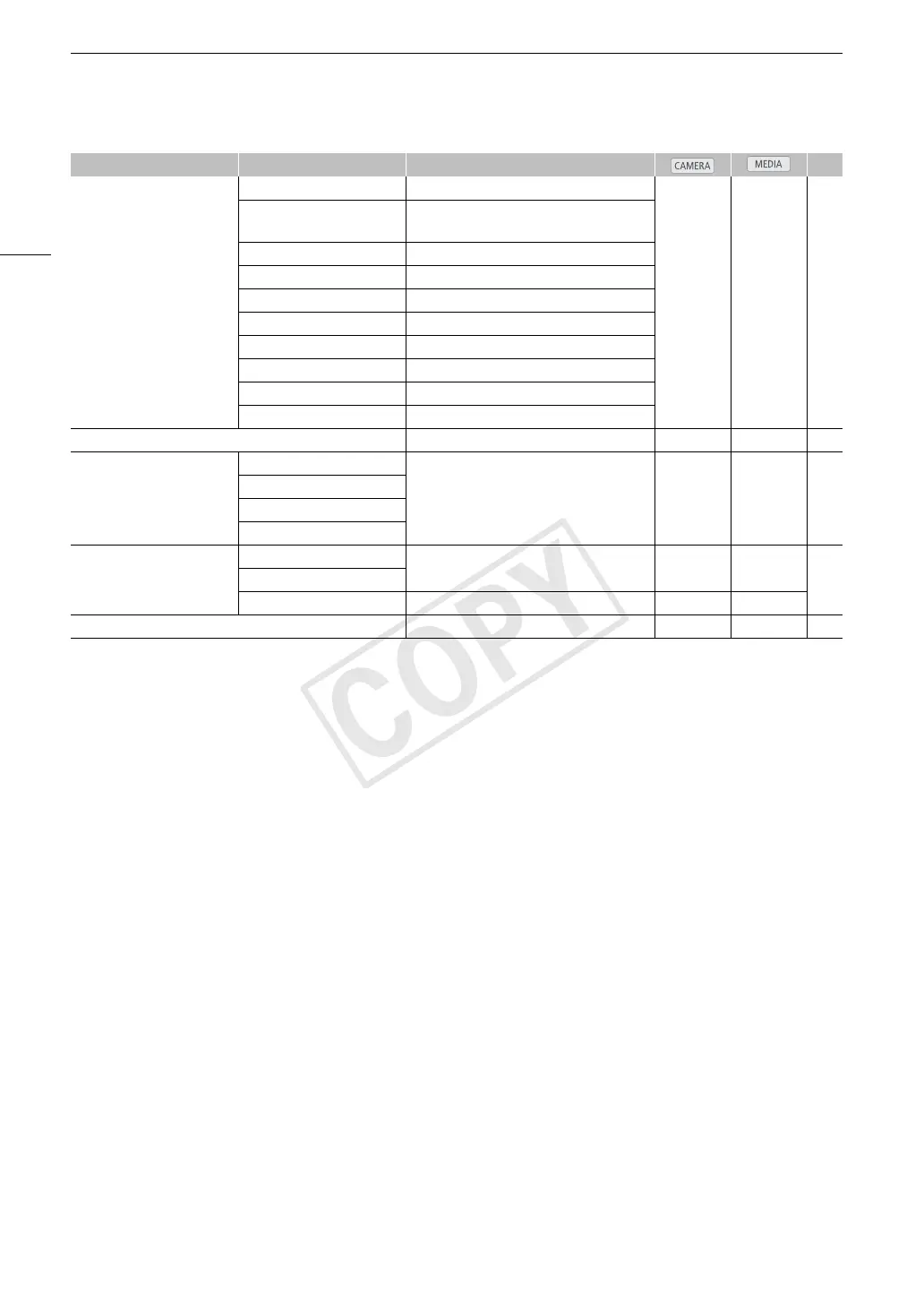
[Custom Function] [Shockless WB] [On], [Off]
Ü – 123
[Control Dial] 2 [Iris], [ISO/Gain], [Off]
3 [ISO/Gain], [Off]
[Control Dial Dir.] [Reverse], [Normal]
[Grip Ctrl Dial Dir.] [Reverse], [Normal]
[SELECT Dial Dir.] [Reverse], [Normal]
[F. Assist. B&W] [Both], [Magnify], [Peaking], [Off]
[Magn. Add. Disp.] [Peaking], [Edge Mon.], [Off]
[3D Rec Mode] [On], [Off]
[Scan Reverse Rec] [Both], [Vertical], [Horizontal], [Off]
[Character Rec] [On], [Off]
[Reset Hour Meter] [Cancel], [OK] Ü Ü –
[Wi-Fi Remote]
7
[Set Up New] For details refer to “WFT-E6 Wireless File
Transmitter - Guide for Canon Camcorders”
(PDF file).
Ü – –
[Select]
[Edit]
[Camera Settings]
[Initialize Media] [CF A] [Cancel], [OK]
Ü Ü
47[CF B]
[SD Card] [Complete], [Quick] Ü Ü
[Firmware] – Ü – –
Menu item Submenu Setting options A


 To Next Page