Setting Up a Computer for Printing/Sending a Fax
5-8
5
Using a NetBIOS Network
Windows 2000/XP/Server 2003/Vista
The following is the procedure for specifying a NetBIOS network with Windows
2000/XP/Server 2003/Vista.
In the following procedures, items displayed on the screens for Windows 2000 are
used. The items displayed may differ according to your operating system.
NOTE
If you are using Windows Vista, a dialog box may be displayed while you are performing
the procedure. In this case, enter a user name and password. For more information, see
the manuals provided with the operating system.
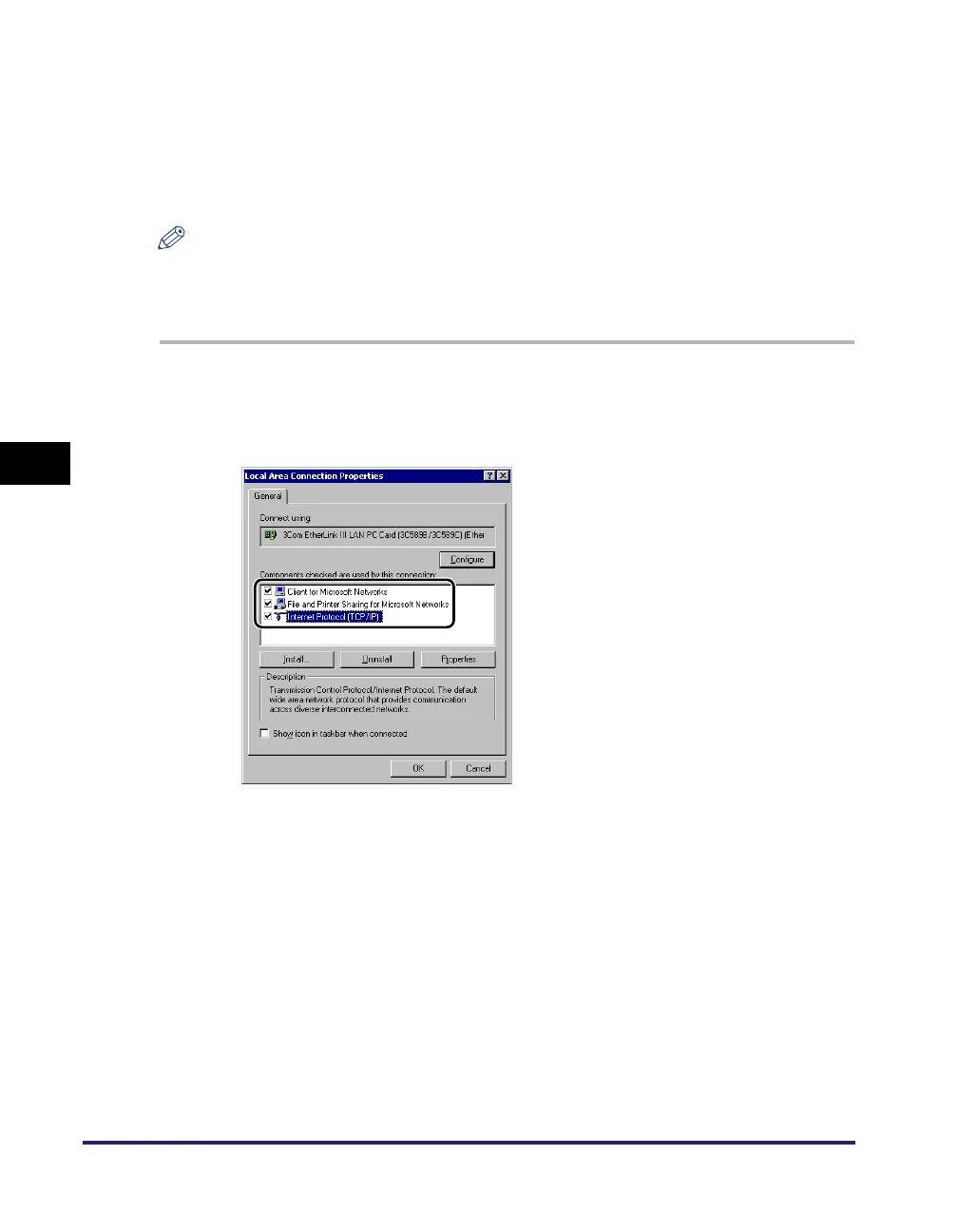
1
In the [Local Area Connection Properties] dialog box, select
[Client for Microsoft Networks] and [Internet Protocol (TCP/
IP)].
2
Double-click [Internet Protocol (TCP/IP)] to open the [Internet
Protocol (TCP/IP) Properties] dialog box.
3
On the [General] sheet, click [Advanced] ➞ on the [WINS]
sheet, select [Enable NetBIOS over TCP/IP].
4
Restart the computer if prompted.















 To Next Page