Protocol Settings
3-39
3
Using a TCP/IP Network
If [Certificate Verification] is grayed out or <The key is corrupted or invalid.> is
displayed, you cannot use the key pair. After erasing the corrupted or invalid
key pair, install a new key pair and user certificate from a computer. (See the
Remote UI Guide
.)
● If you want to erase a registered key pair:
❑
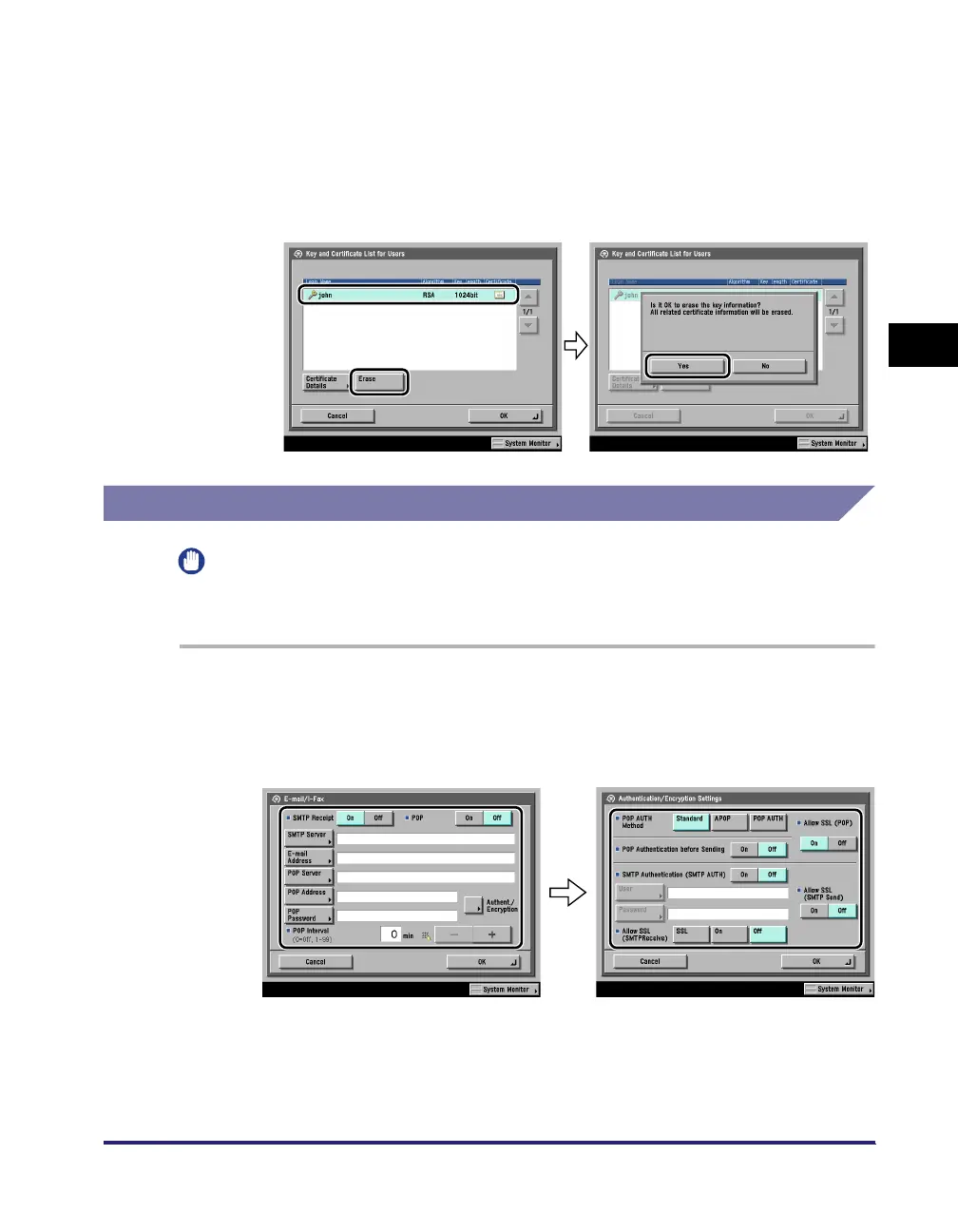
Select the key pair to erase ➞ press [Erase].
E-Mail/I-Fax Settings
IMPORTANT
Optional equipment is required to use the e-mail/I-fax functions. For the equipment
needed, see "Optional Equipment and System Requirements," on p. 1-2.
1
On the Network Settings screen, press [E-mail/I-Fax].
2
Specify the mail server for receiving e-mail/I-faxes.
The machine supports both the SMTP and POP3 functions.
The machine can receive I-fax images and communication error notices only.















 To Next Page