Interface Settings
2-9
2
Settings Common to the Network Protocols
Interface Settings
This section describes how to specify the interface settings from the control panel.
If you are configuring the settings for the first time, use the control panel of the
machine.
After configuring the settings, you can change them using software other than the
control panel of the machine. For details, see "Network Setting Items," on p. 8-2.
1
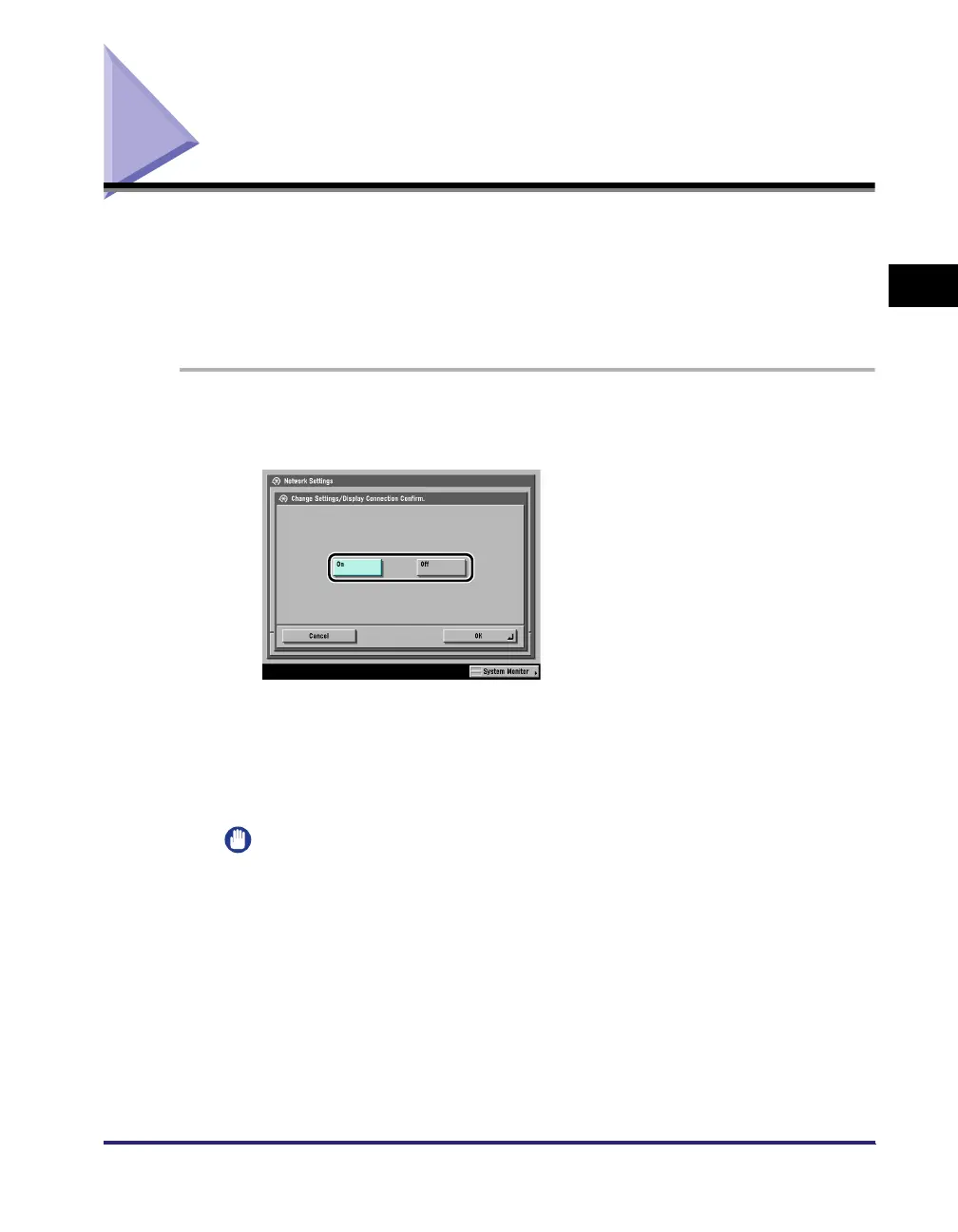
On the Network Settings screen, press [Change Settings/
Display Connection Confirm.] ➞ specify the following.
[On]: If errors related to network connections occur, an error message is
displayed on the touch panel display of the machine. If you want to use the
machine in a network environment, select [On].
[Off]: Messages related to network connections are no longer displayed. If you
want to use the machine without connecting to a network, select [Off].
IMPORTANT
Even if you switch the [Change Settings/Display Connection Confirm.] setting from
'On' to 'Off', if the network connections are correctly set they will not be
disconnected. The settings in the Network Settings screen will not be changed.















 To Next Page