Connecting the Machine to a Computer or Network
2-3
2
Settings Common to the Network Protocols
Connecting the Machine to a Computer or Network
The machine can be connected to a computer or network with a USB cable or
10Base-T/100Base-TX Ethernet cable.
IMPORTANT
•
External USB devices (e.g., memory, keyboard, mouse, etc.) are not supported.
•
A USB cable or network cable are not included in this package. Please obtain a suitable
cable for your computer or network.
Connecting to a Network
The machine supports TCP/IP, AppleTalk, and NetWare, which enables it to be
used by Windows, Macintosh, UNIX, and Linux computers. It also has a 10Base-T/
100Base-TX connector that can be used on most LANs.
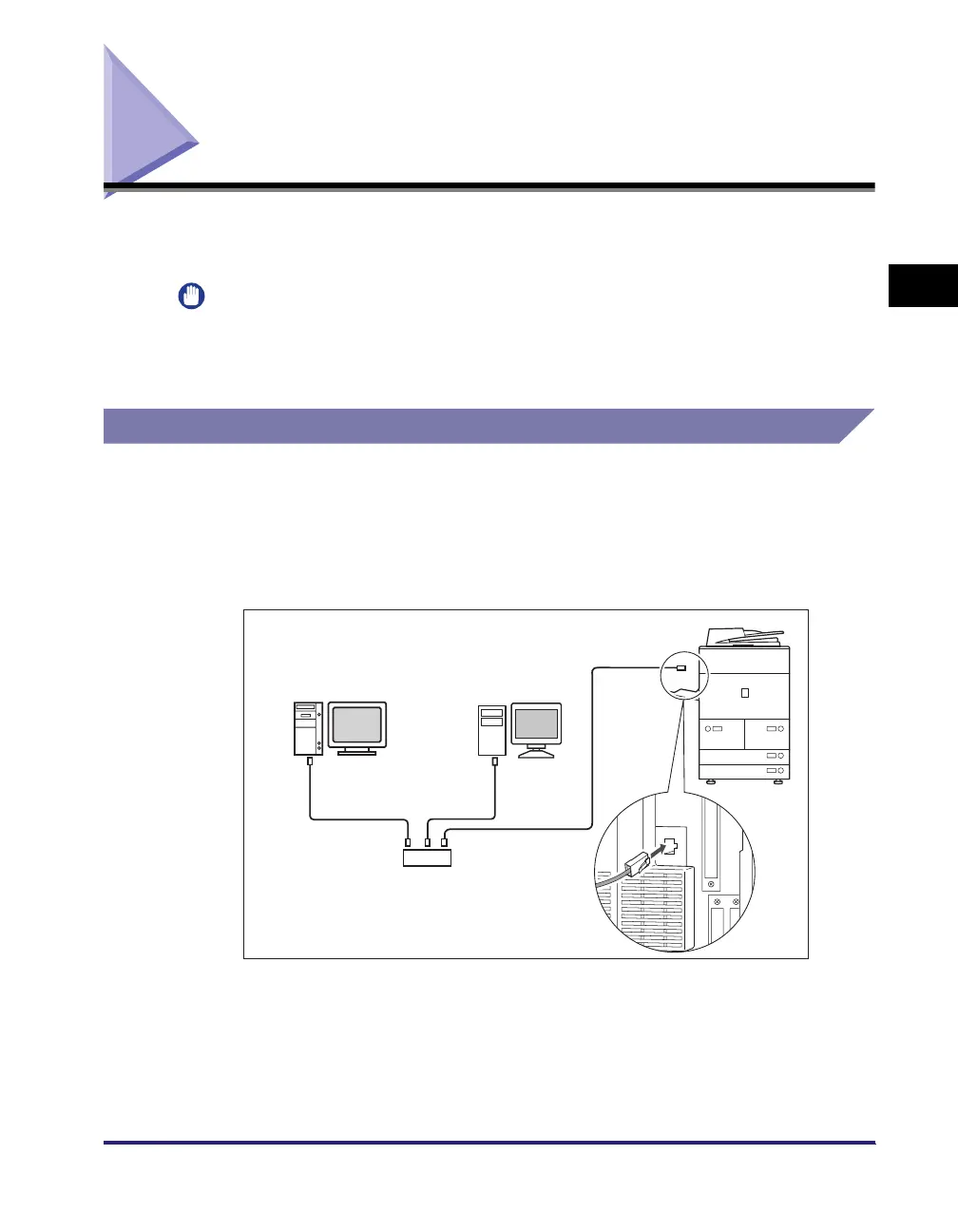
Connect the machine's RJ-45 connector to a hub port using a Category 5 twisted
pair LAN cable.
Hub
Ethernet Cable
PC with
100Base-TX Connector
PC with
10Base-T Connector















 To Next Page