Setting Up a Computer as a File Server
5-17
5
Using a NetBIOS Network
4
Restart the computer if prompted.
5
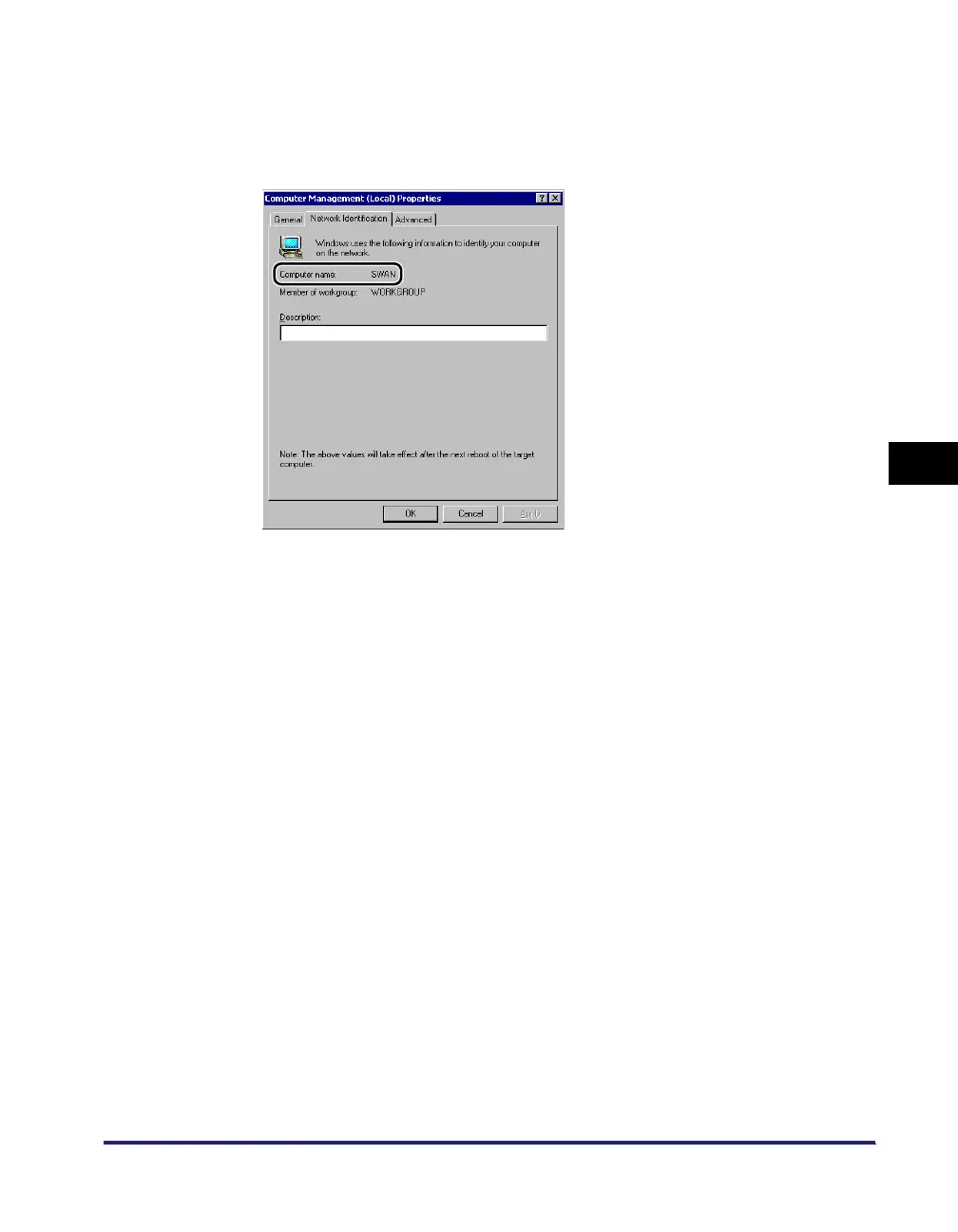
Confirm the computer name.
If you are using Windows 2000, right-click the [My Computer] icon ➞ click
[Manage] to open the [Computer Management] window. Right-click the
[Computer Management (Local)] icon ➞ click [Properties] to open the [Computer
Management (Local) Properties] dialog box. On the [Network Identification]
sheet, confirm the [Computer name] setting.
If you are using Windows XP/Server 2003, right-click [My Computer] ➞ click
[Properties] ➞ on the [Computer Name] sheet, click [Change]. In the [Computer
Name Changes] dialog box, click [More] to open the [DNS Suffix and NetBIOS
Computer Name] dialog box ➞ confirm [NetBIOS computer name].
If you are using Windows Vista, perform the same operation as with other
operating systems to open the [DNS Suffix and NetBIOS Computer Name] dialog
box ➞ confirm the name in [NetBIOS computer name].















 To Next Page