Network Setting Items
8-3
8
Appendix
■ TCP/IP Settings
*1 This item is available only if you are using the following optional equipment:
- UFR II/PCL/PS Printer Kit
- Super G3 FAX Board
- Universal Send Kit
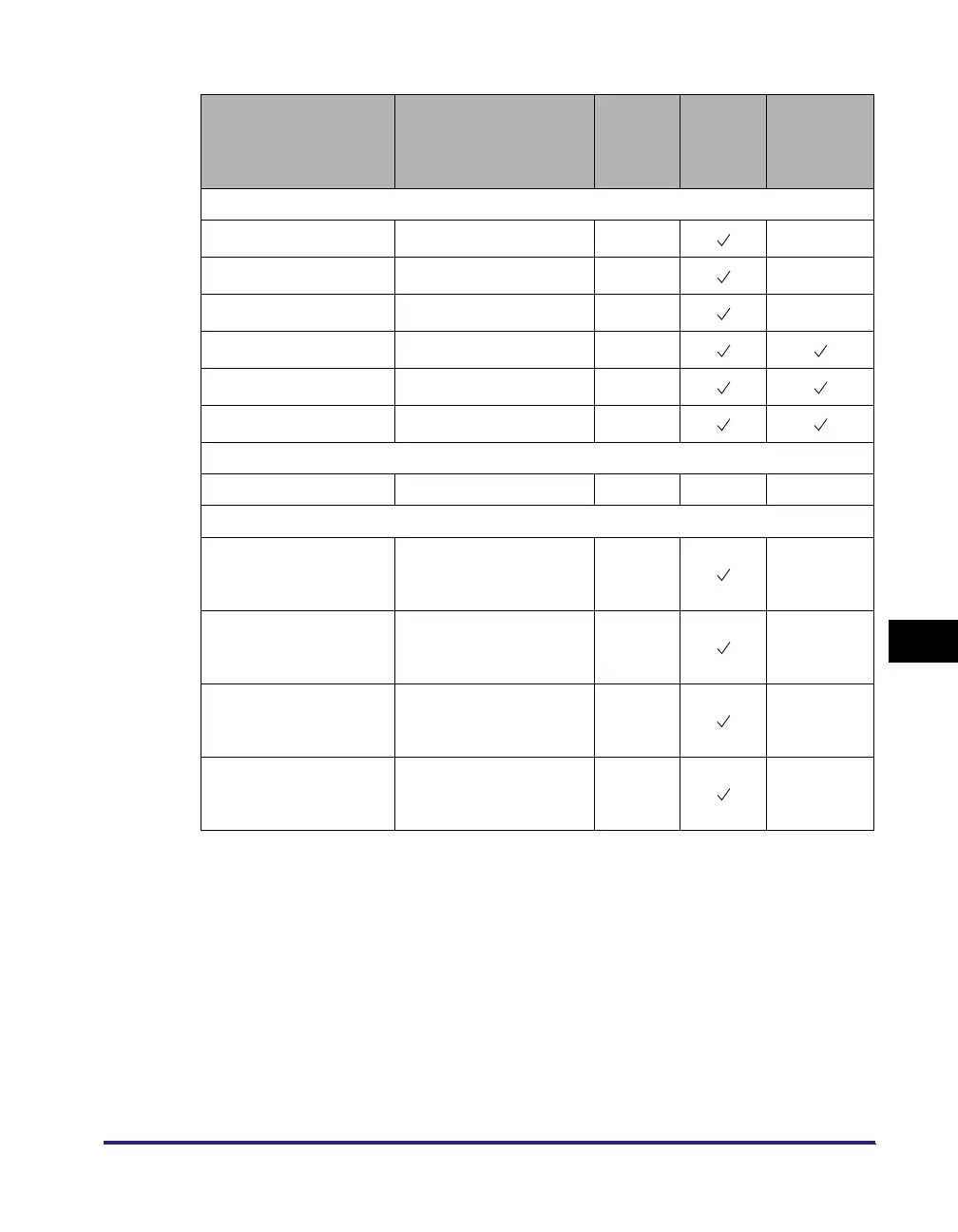
Item Setting Description
Default
Setting
Can be
set in
Remote
UI
Device
Information
Delivery
IPv4 Settings: IP Address Settings
IP Address IP address 0.0.0.0 N/A
Subnet Mask IP address 0.0.0.0 N/A
Gateway Address IP address 0.0.0.0 N/A
DHCP On/Off Off
RARP On/Off Off
BOOTP On/Off Off
IPv4 Settings: PING Command
PING Command IP Address 0.0.0.0 N/A N/A
IPv4 Settings: IP Address Range Settings*
1
RX/Print Range:
Reject IPv4 Address
Apply Settings: On/Off
Up to 8 IPv4 addresses
can be stored.
Off N/A
RX/Print Range:
Permit IPv4 Address
Apply Settings: On/Off
Up to 8 IPv4 addresses
can be stored.
Off N/A
Setting/Browsing
Range:
Reject IPv4 Address
Apply Settings: On/Off
Up to 8 IPv4 addresses
can be stored.
Off N/A
Setting/Browsing
Range:
Permit IPv4 Address
Apply Settings: On/Off
Up to 8 IPv4 addresses
can be stored.
Off N/A















 To Next Page