8-2
Scanning
Start Scanning
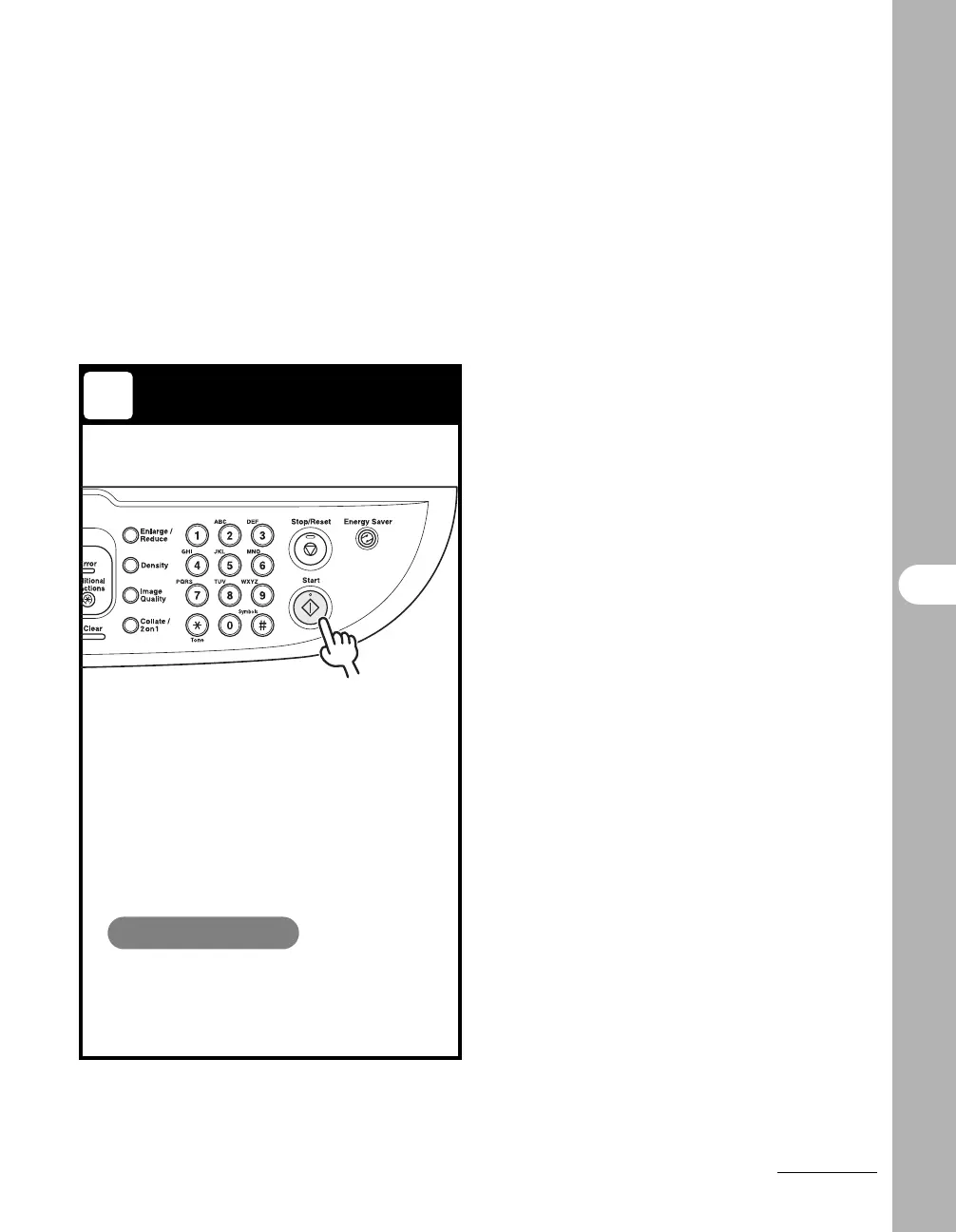
Press [Start].
The scanned data is transmitted to your
computer and processed by the scan
application. For more information on the
scan application settings, see Chapter 3,
"Scanning a Document," in the Software
Guide.
What if...
● You want to cancel scanning:
Press [Stop/Reset] on the operation
panel, then click [OK] on the computer
screen.
3










 To Next Page