10-16
Maintenance
Transporting the Machine
Follow this procedure to avoid
vibration damage to the machine when
transporting it over a long distance.
1 Disconnect the power cord and
all the cables from the back of
the machine.
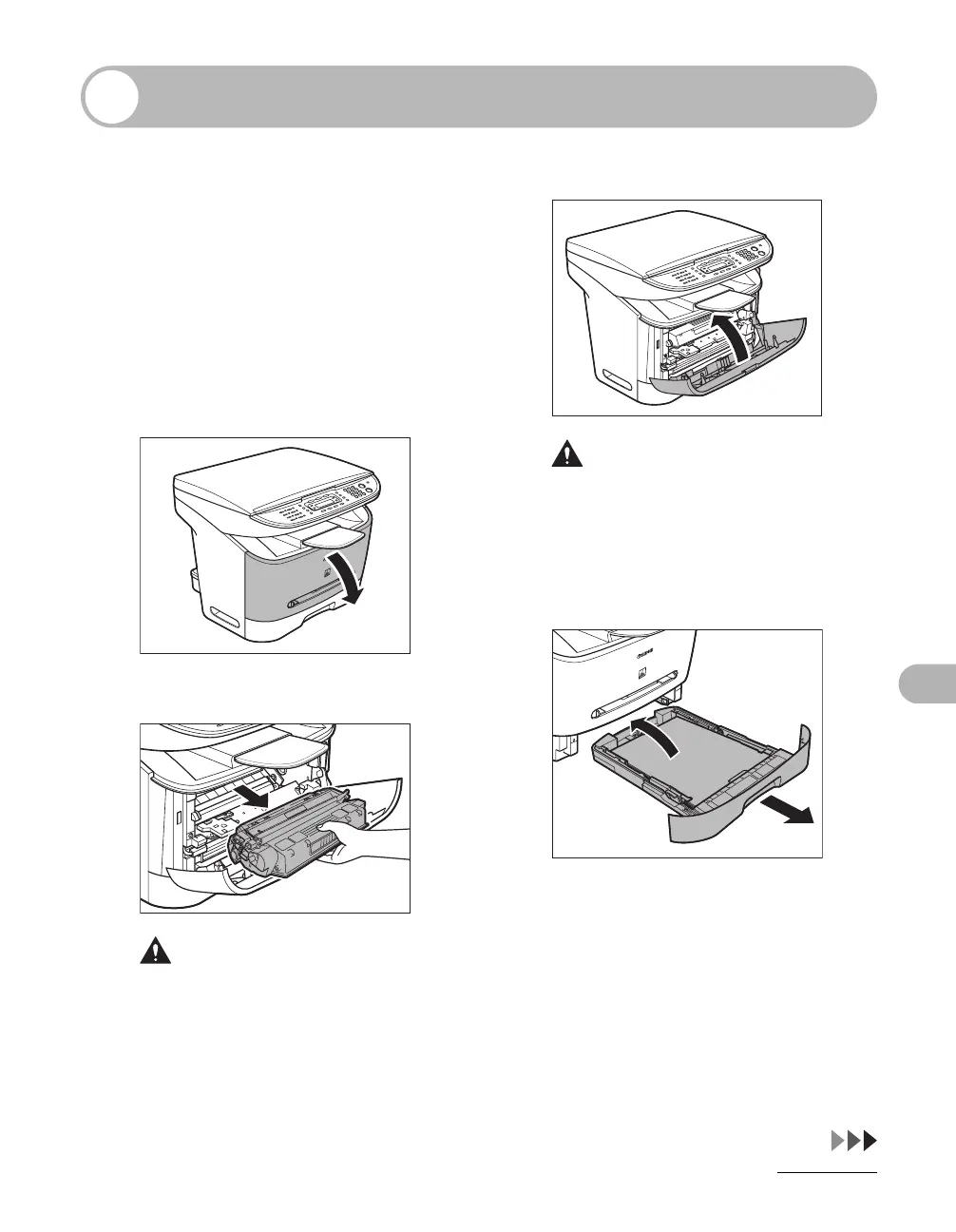
2 Open the front cover.
3 Remove the toner cartridge.
CAUTION
– To avoid exposing the toner cartridge to
light, place it in its protective bag or
wrap it in a thick cloth.
– Do not open the drum protective shutter
on the toner cartridge. Print quality may
deteriorate if the drum surface is
exposed to light or is damaged.
4 Close the front cover.
CAUTION
Be careful not to get your fingers caught.
5 Pull out the paper cassette
completely, and remove the
paper.










 To Next Page