3-12
Print Media
Face Down Paper Output Area
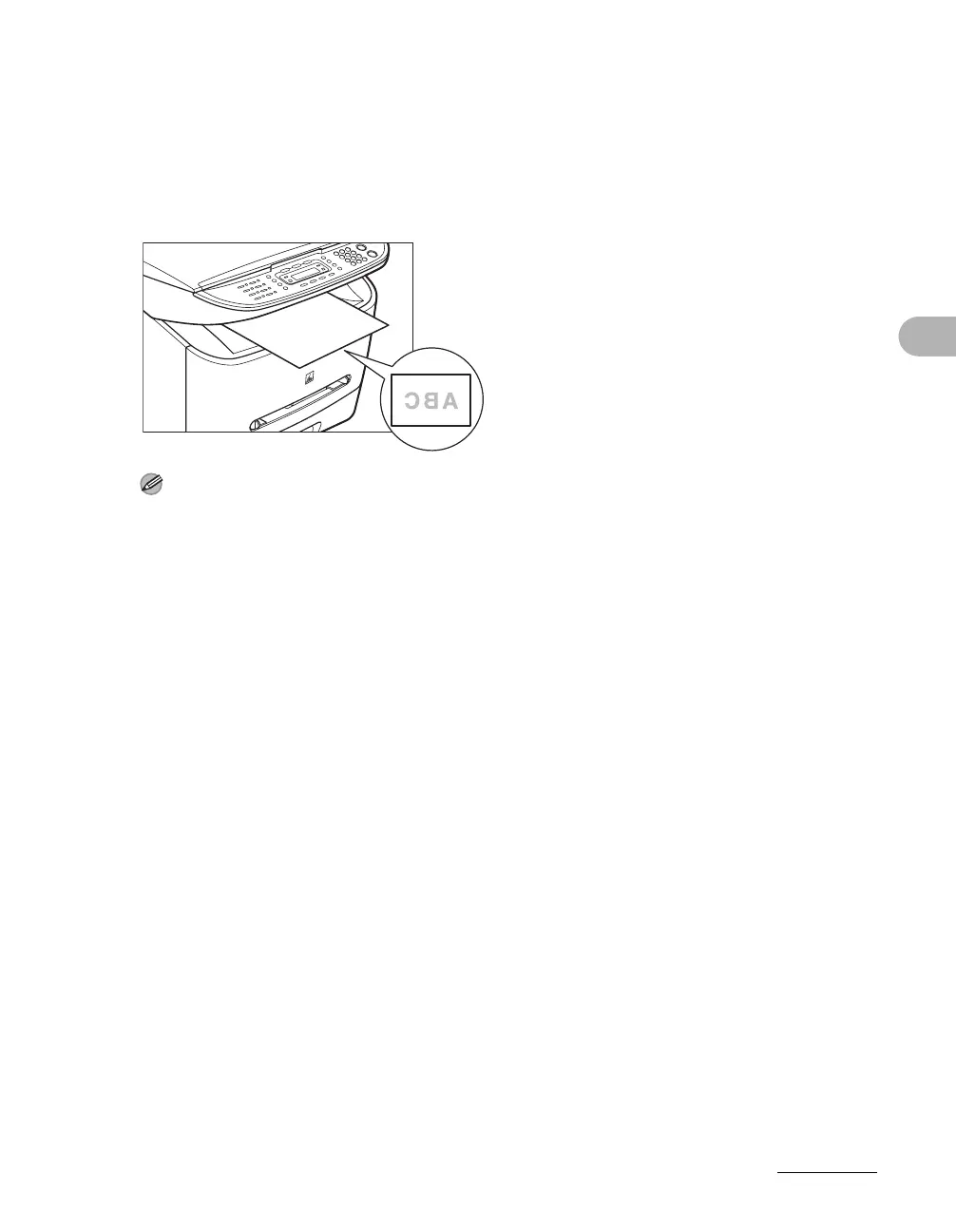
The paper is delivered with the printed side down on the output tray.
Paper is stacked in printed order.
1 Close the face up cover, and attach the output tray.
NOTE
– Do not place the delivered paper back on the output tray. Doing so may result in paper jams.
– Do not place objects other than paper on the output tray. Doing so may result in paper jams.










 To Next Page