4-21
Sending Faxes
● Registering Group Dialing
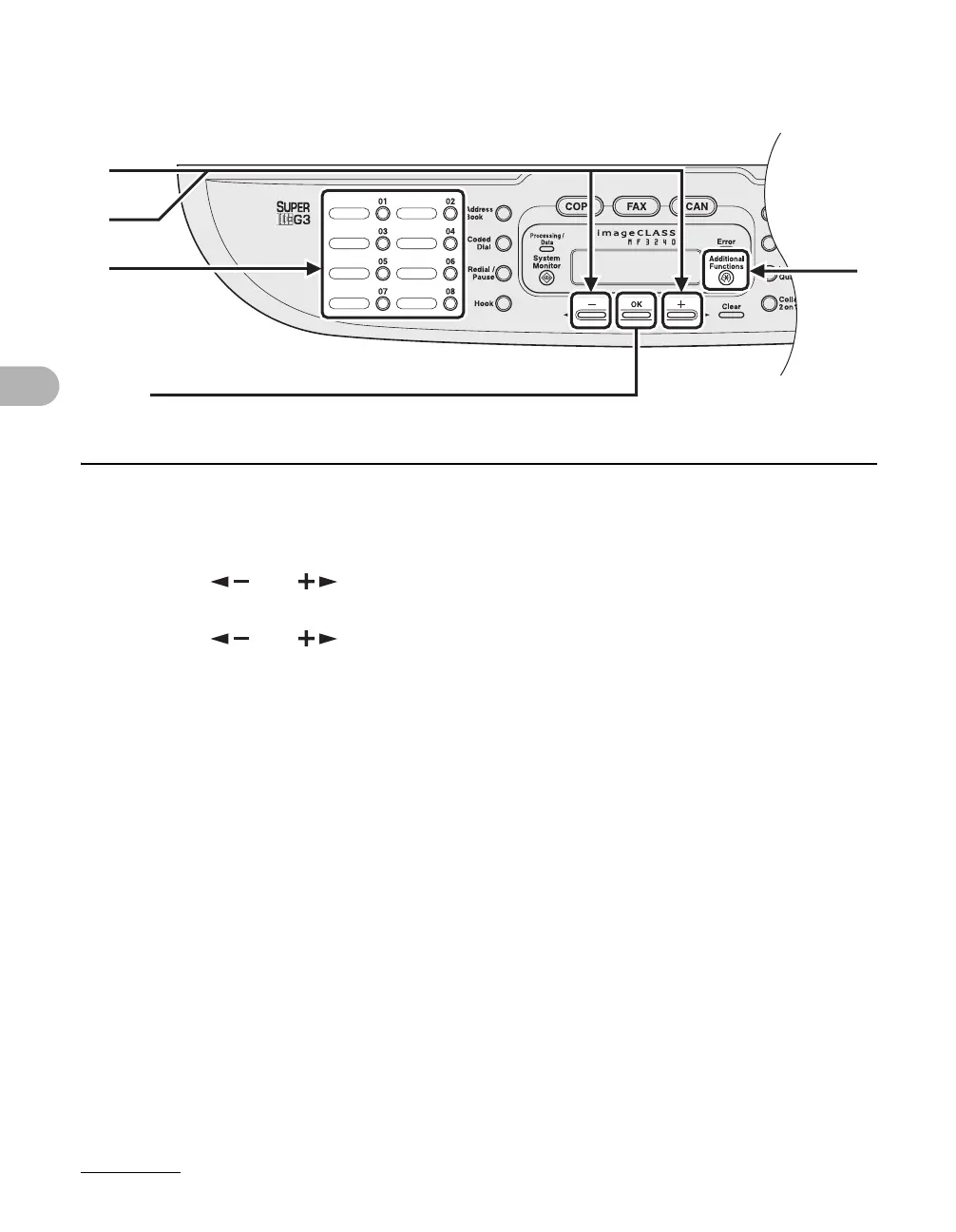
1 Press [Additional Functions].
2 Press [ ] or [ ] to select <ADDRESS BOOK SET.>, then press [OK].
3 Press [ ] or [ ] to select <GROUP DIAL>, then press [OK].
4 Specify an empty one-touch speed dialing key that you want to set as the
group dial, then press [OK].
For details on selecting a one-touch speed dialing key, see “Registering One-Touch Speed
Dialing,” on p. 4-7.
[OK]
4
1
3
2










 To Next Page