3-10
Print Media
Selecting the Paper Output Area
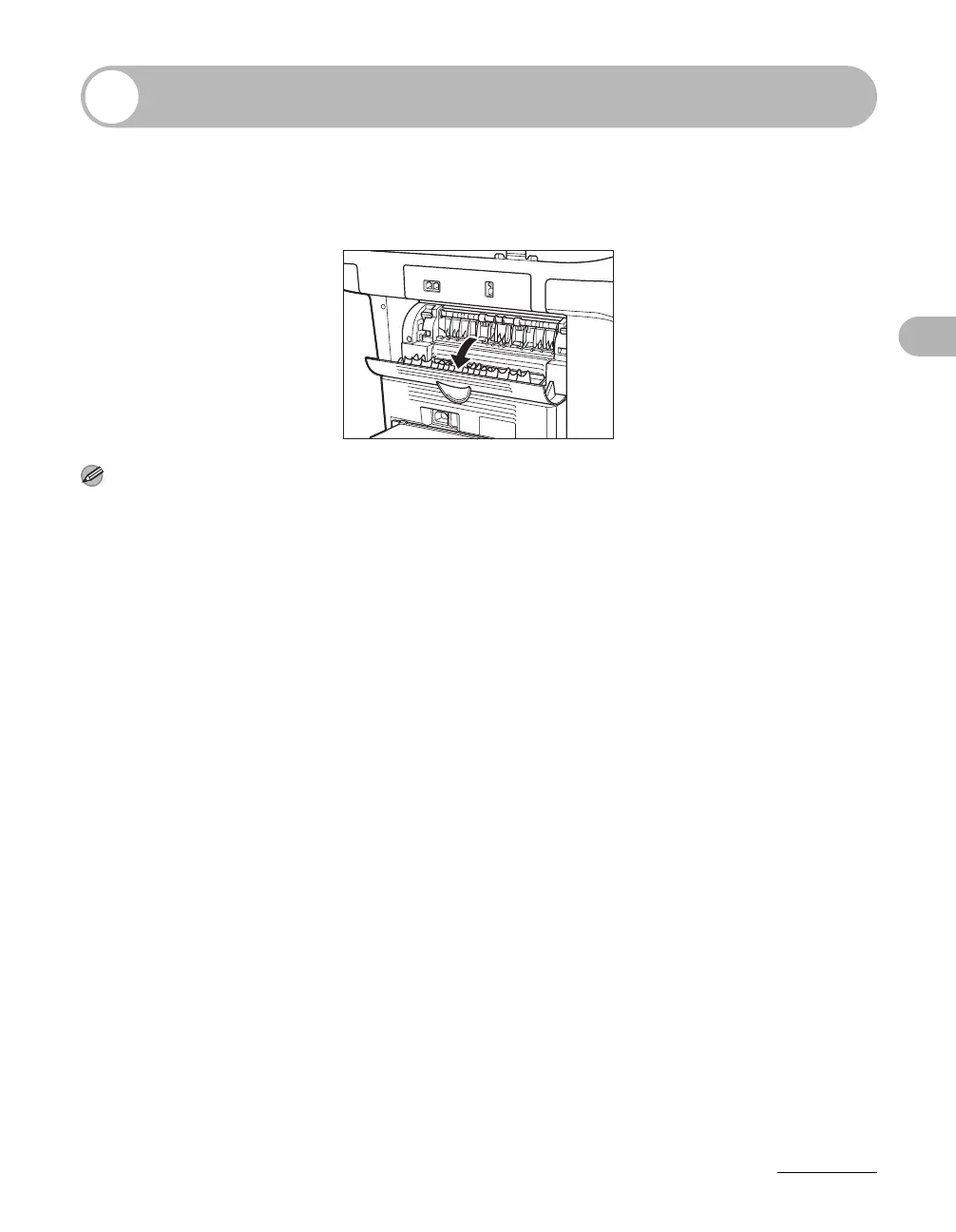
Open the face up cover located on back side of the unit for face up paper output,
or close the face up cover and attach the output tray on the front of the unit for
face down paper output.
NOTE
Do not open or close the face up cover while copying and printing.
Face down paper output delivers paper with the printed side down on the output tray.
Face up paper output delivers paper with the printed side up from the output area.
Select the area depending on your purpose by opening or closing the face up cover.










 To Next Page