1-2
Before Using the Machine
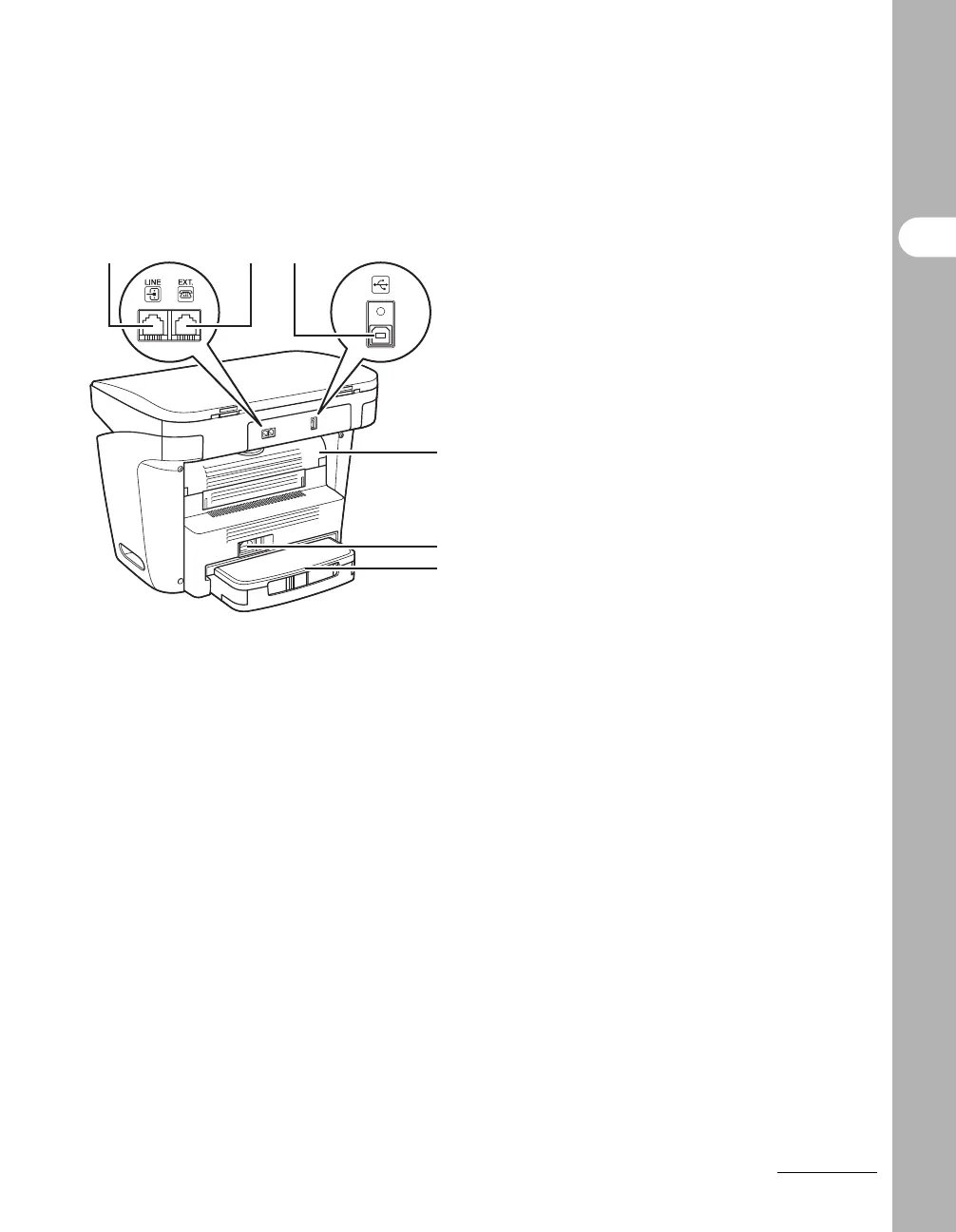
H Telephone line jack
Connect the telephone cable.
I External device jack
Connect an external device.
J USB port
Connect the USB (Universal Serial Bus)
cable.
K Face up cover
Open this cover when outputting paper face
up or clearing paper jams.
L Power socket
Connect the power cord.
M Extension cover
Protects paper supply in the paper cassette
from dirt and dust.
HIJ
K
L
M










 To Next Page